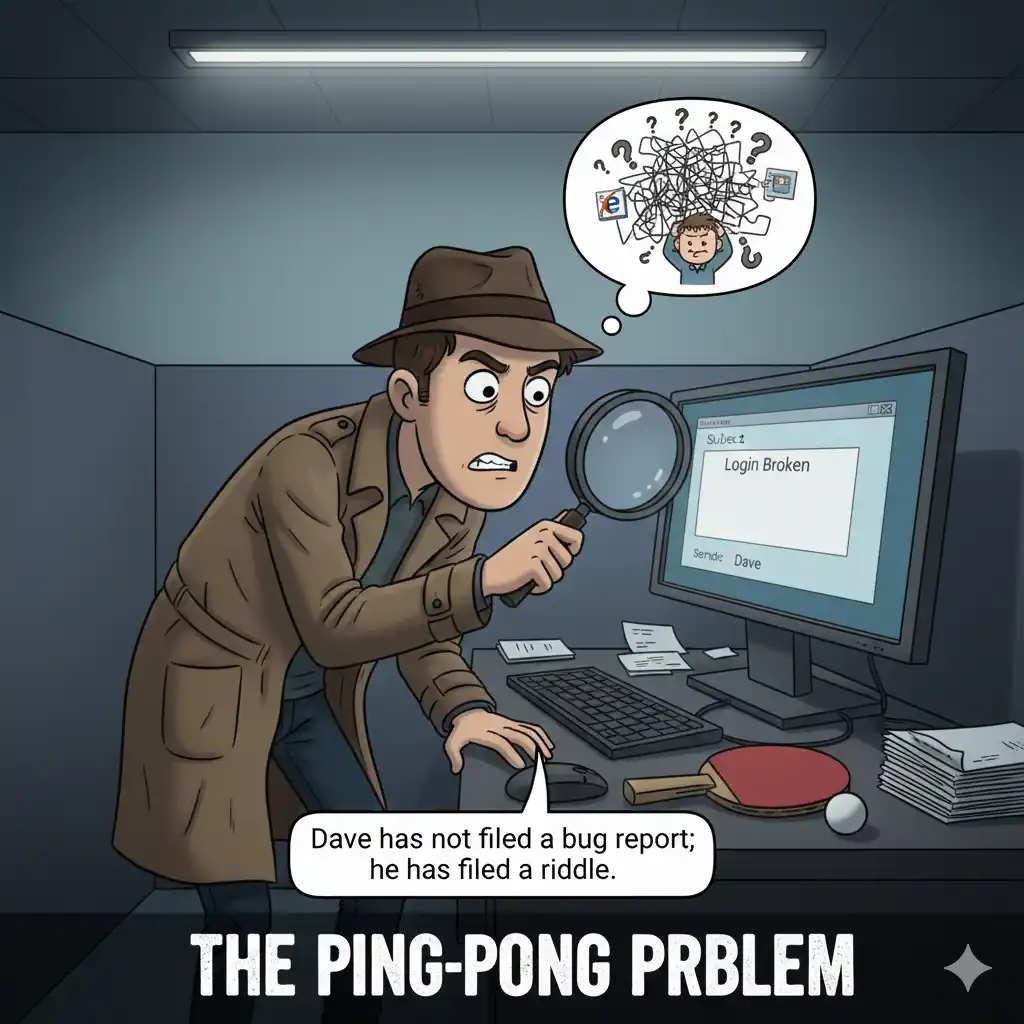
There is a specific sentence that haunts the nightmares of every software developer. It is not “Server Down” or “Data Breach.” It is far more insidious in its vagueness. That sentence is: “It doesn’t work.”
Imagine the scene. It is 9:00 AM. A developer opens their ticket queue and finds a high-priority bug report from a user named “Dave.” The subject line reads: “Login Broken.” The body of the message is empty. No screenshot. No error code. No browser information. Just the existential declaration that the login is broken.
Dave has not filed a bug report; he has filed a riddle.
Now, the developer has to stop coding and become a detective. They have to email Dave. They have to wait for Dave to reply. They have to guess if Dave is using Chrome or Internet Explorer from 2009. They have to ask if Dave forgot his password. This back-and-forth “ping-pong” consumes three hours of billable time. The actual fix—once the problem was finally identified as a typo in a specific error message—took five minutes.
The Noise vs. The Signal
In the ecosystem of software development, a bug report without context is noise. It is expensive, distracting, and dangerous. When a backlog is filled with “ghost bugs” that cannot be reproduced, the team loses trust in the system. They start ignoring tickets, assuming they are user errors rather than system failures.
This is where the “Needle in the Haystack” problem destroys efficiency. The bug (the needle) is real, but because it is buried under a mountain of vague, unstructured communication (the haystack), the cost of finding it exceeds the value of fixing it. To survive, an engineering team must shift from a culture of “complaint” to a culture of “evidence.”
The Forensics of a Perfect Ticket
To turn chaos into order, we must treat every bug report like a crime scene investigation. A detective does not walk into a precinct and say, “A crime happened somewhere.” they provide the weapon, the fingerprints, and the timestamp.
A valid bug report requires a rigid structure. It is not a suggestion; it is a requirement for entry into the development pipeline.
- The Steps to Reproduce: This is the non-negotiable script. “Click A, then Click B, then observe C.” If the developer cannot recreate the sequence, they cannot fix the logic.
- The Visual Evidence: A screenshot or a screen recording is worth a thousand lines of chat logs. It captures the context—the browser size, the other open tabs, the exact UI state—that users often forget to mention.
- The Technical Witness: Server logs and console errors. These are the fingerprints left behind by the code. They tell the developer exactly where the breakage occurred in the anatomy of the software.
The Art of Triage: Critical, Major, Minor
Once the evidence is gathered, the next challenge is prioritization. In the eyes of a frustrated user, every bug is an apocalypse. But in the eyes of a Product Manager, resources are finite.
Treating a typo on the “About Us” page with the same urgency as a failure in the payment gateway is a recipe for bankruptcy. We must apply a ruthless triage system using clear tags:
- Critical: The house is on fire. Data is being lost, the system is crashing, or money is being mishandled. The team drops everything.
- Major: A room is blocked. A specific feature is broken, but there is a workaround. It needs to be fixed in the next sprint, but nobody needs to wake up at 3:00 AM.
- Minor: The paint is chipped. Visual glitches, typos, or minor UI annoyances. These are fixed when the “Critical” and “Major” queues are empty.
From Chaos to Assembly Line
When you combine mandatory evidence with strict prioritization, the dynamic changes. The backlog transforms from a terrifying list of complaints into a clean, prioritized assembly line.
The Quality Assurance (QA) team stops wasting time guessing what happened and starts verifying that it happened. The developers stop wasting time playing detective and start spending time being surgeons—opening the ticket, seeing the log, fixing the code, and closing the case.
Turn the chaos of error reporting into a structured, prioritized plan of action with GGyess WorkSuite.