Introduction
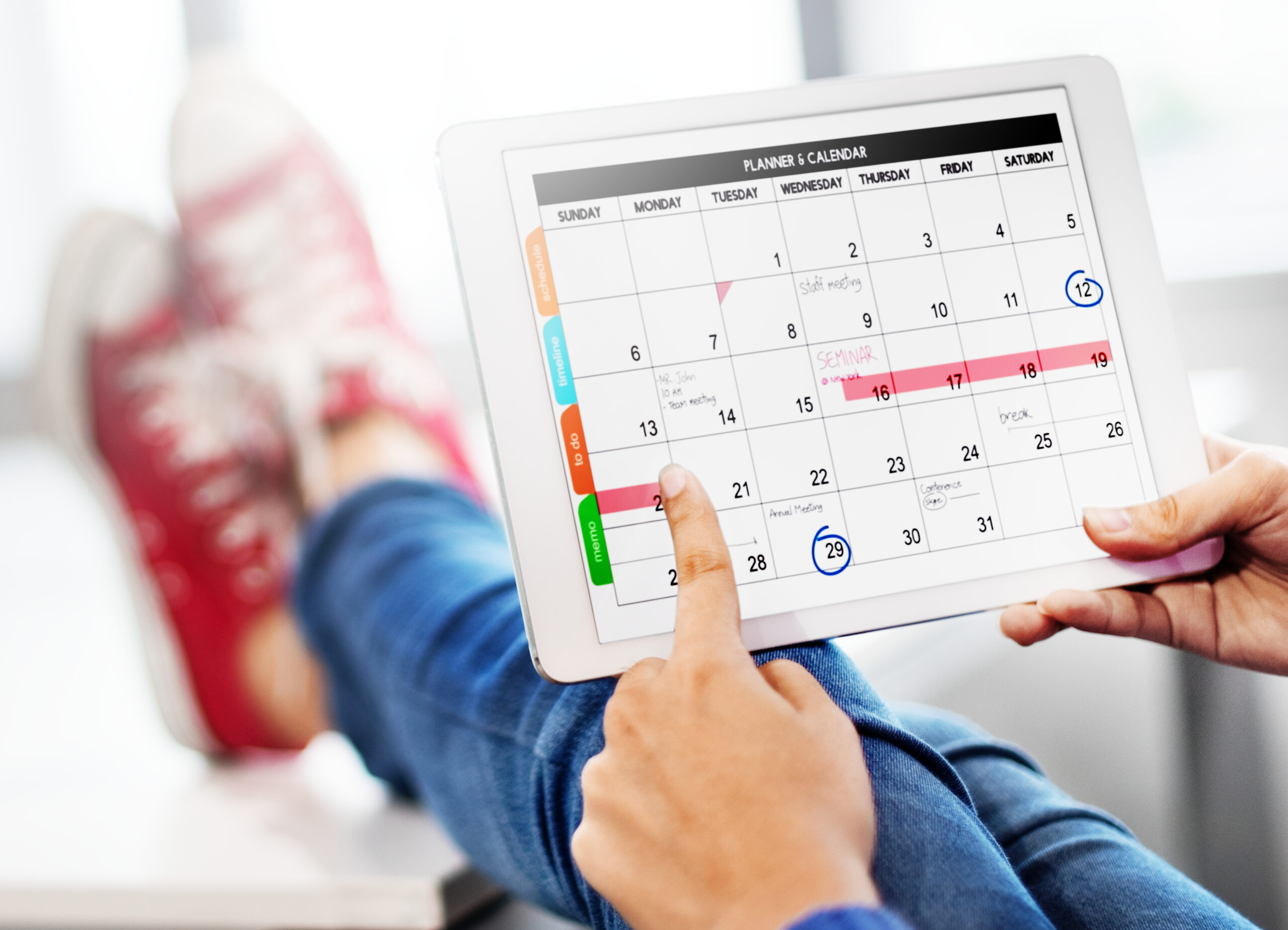
Managing your social media accounts can feel like a whirlwind, especially when you’re juggling multiple platforms and trying to stay consistent. A content calendar isn’t just a fancy tool—it’s a lifesaver. It organizes your efforts, keeps you consistent, and helps you plan ahead, making your social media strategy more effective and less stressful.
Creating a content calendar doesn’t have to be overwhelming or time-consuming. In this blog, I’ll walk you through the steps to build a quick and easy content calendar that will save you time, streamline your posting process, and help you achieve your social media goals.
Why Do You Need a Content Calendar?
Before diving into how to create one, let’s explore why a content calendar is essential:
- Consistency: Regular posting keeps your audience engaged and improves algorithm visibility.
- Efficiency: A calendar helps you plan and batch content, saving you time and reducing stress.
- Strategy: It provides a bird’s-eye view of your content plan, ensuring variety and alignment with your goals.
- Analytics: A calendar helps track performance trends, allowing you to adapt and improve your strategy.

Step 1: Set Your Social Media Goals
A successful content calendar starts with clear goals. Ask yourself:
- What do I want to achieve with my social media posts?
- Who is my target audience?
- Which platforms should I focus on?
Examples of Goals:
| Platform | Primary Goal | Content Type |
|---|---|---|
| Build brand awareness | Reels, Stories, and Carousels | |
| Increase website traffic | Blog posts, live streams, and events | |
| Establish thought leadership | Articles, case studies, and tips | |
| TikTok | Engage younger audiences | Trend-based short videos |
Aligning your calendar with these goals ensures your efforts are focused and effective.
Step 2: Choose the Right Tools
Creating a content calendar can be as simple as using a spreadsheet or as advanced as leveraging specialized software.
Options for Creating Your Calendar:
- Spreadsheets (Google Sheets/Excel): Great for beginners and simple planning.
- Apps (Trello/Notion): Ideal for visual planners and team collaborations.
- Social Media Tools (GGyess): Perfect for scheduling, posting, and tracking analytics in one place.
If you’re managing multiple platforms or accounts, tools like GGyess can centralize your efforts and save you hours of manual work.

Step 3: Map Out Your Posting Schedule
Consistency is key in social media. Decide how often you’ll post on each platform and what time of day is best for engagement.
How to Find the Best Times to Post:
- Analyze your audience’s activity through platform insights.
- Test different times and track results to find what works best.
- Consider your target audience’s habits and time zones.
Sample Weekly Schedule:
| Day | TikTok | |||
|---|---|---|---|---|
| Monday | Motivational Quote | Blog Link | Industry Tip | Fun Video |
| Wednesday | Product Teaser | Live Video | Thought Leadership | Trend Challenge |
| Friday | Behind-the-Scenes | Event Promotion | Team Highlight | Quick Tutorial |
This structured schedule ensures variety while maintaining consistency.
Step 4: Plan Your Content Themes
Having recurring themes simplifies your planning process and keeps your content cohesive.
Examples of Popular Themes:
- Motivation Mondays: Start the week with an inspiring post.
- Tutorial Tuesdays: Share a how-to guide or explainer video.
- Throwback Thursdays: Highlight past milestones or achievements.
- Feature Fridays: Showcase customer testimonials or employee stories.
These themes create a rhythm for your audience while reducing your workload.
Step 5: Create and Batch Your Content
Now that you have your posting schedule and themes, it’s time to create the actual content. Batching content—creating multiple posts in one sitting—saves time and ensures you always have something ready to post.
How to Batch Content Effectively:
- Dedicate Time: Set aside a day or a few hours each week for content creation.
- Use Templates: Design templates for posts, stories, and videos to maintain branding and save time.
- Repurpose Content: Turn a single idea into multiple formats. For example:
- A blog post can become a carousel for Instagram.
- Key points from a video can be shared as a series of tweets.
- Customer testimonials can be reshaped into a story or post.
Pro Tip: Using a tool like GGyess allows you to store, schedule, and repurpose content seamlessly across platforms, keeping you ahead of schedule.

Step 6: Incorporate Visuals and Captions
Visuals play a crucial role in attracting attention on social media, while captions drive engagement. Both need to complement each other to create impactful posts.
Tips for Visuals:
- Use high-quality images or videos that align with your brand colors and style.
- Experiment with formats like carousels, short clips, and infographics.
- Optimize images for each platform’s specific dimensions.
Tips for Captions:
- Start with a strong hook to capture attention.
- Keep it concise while providing enough context.
- Include a call-to-action (CTA), such as “Click the link in bio” or “Tag a friend who needs this!”
Example Caption Formula:
“🎯 Struggling to stay consistent on social media? Here’s your solution: [Key Tip]. Save this post and start planning your content today! 💡✨”
Step 7: Leverage Hashtags and Keywords
Hashtags and keywords increase the discoverability of your posts. When used correctly, they help your content reach a larger, more relevant audience.
How to Choose Hashtags:
- Combine popular hashtags with niche-specific ones.
- Avoid overly generic hashtags like #love or #happy, as they may not target your audience.
- Research competitors and influencers to identify trending hashtags in your niche.
Sample Hashtag Categories for a Content Calendar Post:
- Popular: #SocialMediaTips #ContentPlanning
- Niche: #SmallBusinessMarketing #ContentCalendarIdeas
- Branded: #YourBrandName #YourCampaignName
Using 5–10 effective hashtags per post can boost visibility without looking spammy.
Step 8: Schedule Your Content
Once your content is ready, schedule it to ensure consistent posting without daily effort.
Benefits of Scheduling:
- Frees up time to focus on engagement and strategy.
- Reduces the risk of forgetting to post.
- Ensures posts go live at optimal times for your audience.
Best Tools for Scheduling:
Tools like GGyess allow you to plan and automate posts across all your social accounts from a single dashboard. Additionally, GGyess offers insights into which times and formats perform best, making your strategy even more effective.
Step 9: Monitor and Optimize Performance
A content calendar isn’t static—it’s a dynamic tool that evolves with your strategy. Regularly monitoring your performance helps you refine your approach and ensure continued success.
Metrics to Track:
- Engagement: Likes, comments, shares, and saves.
- Reach and Impressions: How many people saw your posts and how often.
- Click-Through Rate: For posts with links, track how many users clicked.
How to Optimize:
- Identify high-performing content and replicate its success.
- Adjust posting times or formats based on audience behavior.
- Test new themes or CTAs to keep your strategy fresh.
Step 10: Stay Flexible
Even the best content calendar should allow room for flexibility. Social media trends change quickly, and your strategy should adapt accordingly.
When to Adjust Your Calendar:
- During a Trend: If a relevant trend or challenge arises, jump on it while it’s fresh.
- For Breaking News: Share updates that matter to your audience or industry.
- After Reviewing Performance: Use analytics to identify and fill gaps in your strategy.
How GGyess Makes Content Calendars Easier
Managing a content calendar can be overwhelming, especially if you’re handling multiple platforms. GGyess simplifies the process with features like:
- Centralized Scheduling: Manage all your accounts from one platform.
- Performance Analytics: Track what’s working and adjust your strategy with ease.
- Content Storage: Store templates, drafts, and ideas for future use.
By incorporating GGyess into your workflow, you can save time, reduce stress, and focus on creating impactful content.
Conclusion
Creating a content calendar for your social networks doesn’t have to be complicated. By following these steps—setting goals, using the right tools, planning themes, and analyzing performance—you can build a calendar that streamlines your social media strategy and drives real results.
Start small, stay consistent, and don’t be afraid to adapt as you go. With a well-structured content calendar, you’ll spend less time worrying about what to post and more time engaging with your audience and growing your brand.