You likely use your AirPods to listen to your favorite playlist at the gym, catch up on podcasts while driving, or simply to tune out the world on public transport. But if you are only using them to consume content, you are wasting 50% of their potential.
In today’s work environment, full of distractions and constant notifications, your headphones can be the most effective barrier between chaos and your focus. It’s not just about sound quality; it’s about designing your auditory environment to get into “the zone” faster. Here is how to configure your AirPods to stop procrastinating and start producing.
1. Master “Noise Cancellation” (And When Not to Use It)
Active Noise Cancellation (ANC) is magic, but using it all the time can be counterproductive. The trick to productivity lies in intentionality. Train your brain to associate the “click” of noise cancellation with “Deep Work.” When you activate absolute silence, it is a signal that for the next 45 minutes, you will do nothing but that complex task you’ve been putting off.
On the other hand, use “Transparency” mode strategically for mechanical or administrative tasks (answering emails, organizing folders). This allows ambient sound to flow, keeping you connected to your surroundings without the feeling of confinement. Consciously alternating between these two modes helps avoid auditory and mental fatigue, segmenting your day into blocks of high concentration and blocks of light management.
2. Use Siri as Your Personal Secretary (Hands-Free)
How many times have you had a brilliant idea while walking or cooking, only to forget it two minutes later? Productivity breaks when we try to hold too much information in our short-term memory. Configure your AirPods so that, with a double tap or voice command, you can dictate notes instantly.
Don’t use your phone; the screen is a distraction trap. Simply say: “Hey Siri, remind me to send the budget at 4 PM” or “Take a note: idea for the December campaign.” Capturing the idea in audio without interrupting what you are physically doing is the purest way to keep your workflow intact. It’s like having an invisible assistant walking beside you, ready to write everything down before it evaporates.
3. Activate Native “Background Sounds” for Focus
Many people download third-party apps to listen to rain or white noise, unaware that their iPhone and AirPods already have this feature built-in and optimized. Go to the Control Center, tap the ear icon, and turn on “Background Sounds.” You can choose between rain, ocean, stream, or pink noise.
White noise or constant natural sounds help mask sudden noise spikes (like a door closing or a nearby conversation), which are what actually break your concentration. Using these native sounds consumes less battery than a streaming app and creates an instant “focus bubble,” ideal for working in noisy cafes or coworking spaces without needing to play loud music with lyrics that might distract you.
4. Filter Interruptions with “Announce Notifications”
Notifications are productivity enemy number one, but the fear of missing out on something urgent (FOMO) makes us constantly look at the screen. The solution lies in setting “Announce Notifications” only for critical apps (like Calendar or direct Slack messages) and silencing everything else (Instagram, WhatsApp groups, News).
When you do this, Siri will gently read into your ear only what is truly important and even allow you to reply by voice without taking your phone out of your pocket. This allows you to stay informed about real emergencies without falling into the temptation of doom-scrolling every time the screen lights up. It is a productivity filter that keeps you connected, but not distracted.
5. The Magic of Cross-Device Continuity
If you are in the Apple ecosystem, the “Automatic Switching” feature is vital for workflow. You can be on a video call on your Mac and, upon finishing, pick up your iPhone to go for a walk while listening to a voice note, without touching a single button. The AirPods detect which device you are actively using.
This fluidity eliminates the technical friction that often drives us crazy. Not wasting time connecting and disconnecting Bluetooth means less frustration and more time in a flow state. Take advantage of this feature to do “walking meetings”—get up from the chair, move, and stay connected. Physical movement often unlocks mental creativity that sedentary behavior stagnates.
You Have the Focus, Now You Need the System
Having AirPods set up for maximum concentration is like having a sports car: you have the power and the isolation from outside noise, but you still need a GPS to know where you’re going. It’s no use isolating yourself from the world if, when you sit in front of the screen, you don’t know where to start or have your files and tasks scattered across five different apps.
This is where the final piece of the puzzle comes in.
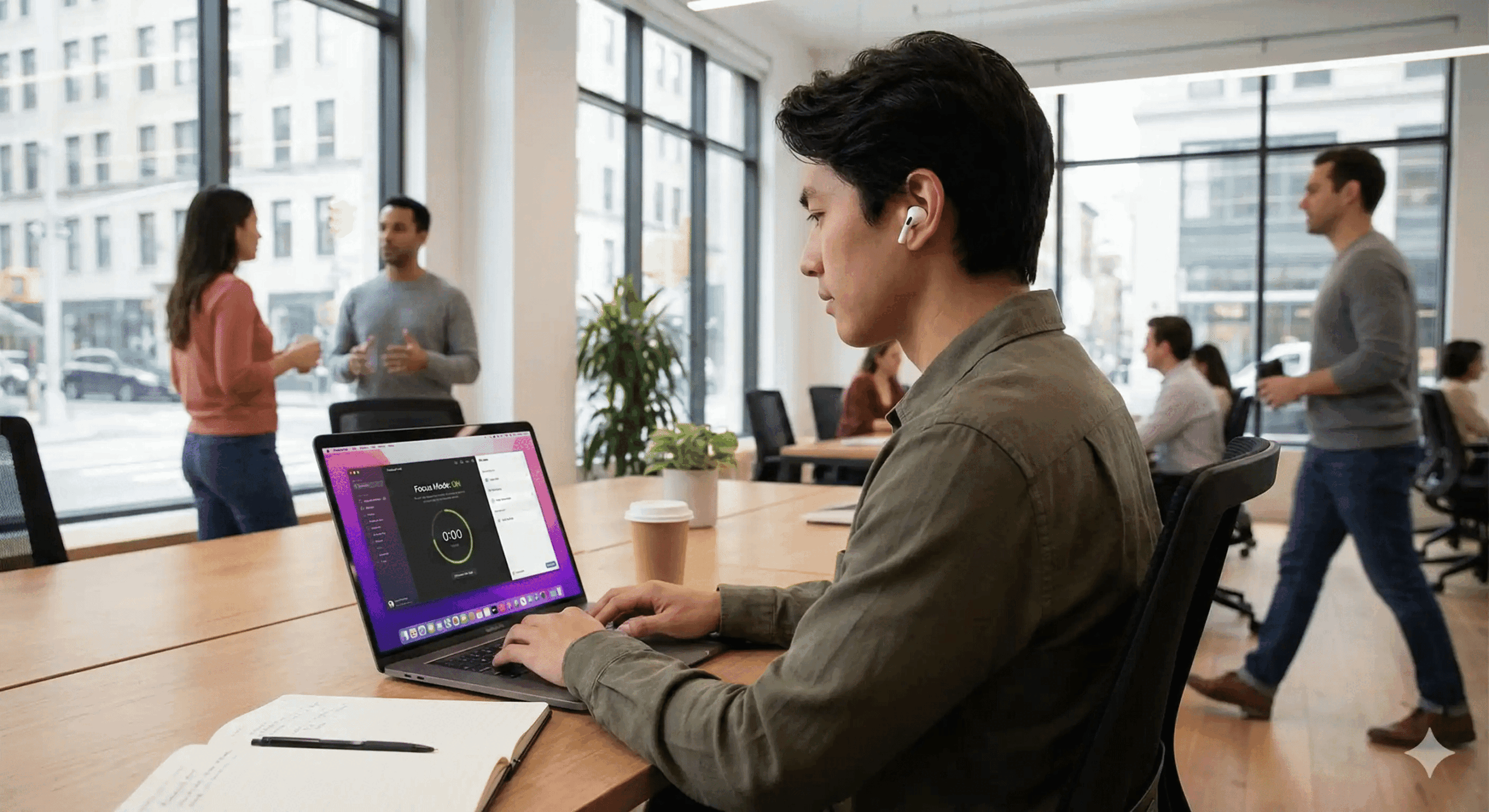
Imagine combining that auditory “Deep Work” with a platform that centralizes all your digital chaos. GGyess WorkSuite is the operating system for your productivity. While your headphones block external noise, GGyess blocks operational noise: it organizes your tasks, manages your files, and plans your projects with Artificial Intelligence in one place.
For the price of a couple of coffees a month (just $9.99), you can have the perfect complement to your hardware. Your AirPods give you the silence; GGyess gives you the structure.
Stop improvising and start executing. Try GGyess WorkSuite today at ggyess.com.