
Introduction
In today’s fast-paced work environment, there’s constant pressure to deliver more in less time. While speed can be an asset, it often comes with a higher risk of mistakes, which can jeopardize the quality of your work and your professional reputation. So, how can you strike the perfect balance? How do you work faster while maintaining accuracy? This blog provides you with actionable strategies to boost your efficiency without sacrificing quality.
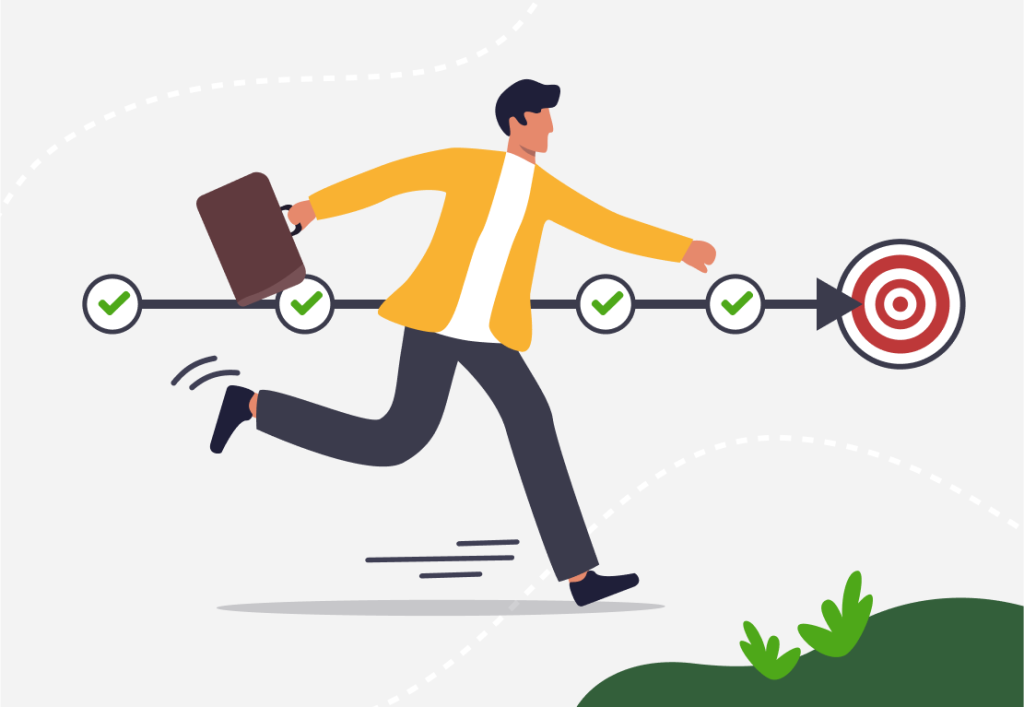
Step 1: Start with a Clear Plan
Working quickly doesn’t mean jumping into tasks without preparation. A well-thought-out plan is essential for eliminating guesswork and ensuring you stay on track.
How to Create a Work Plan
- List Your Tasks: Write down everything you need to accomplish, no matter how small.
- Prioritize: Use tools like the Eisenhower Matrix to separate urgent and important tasks from less critical ones.
- Allocate Time: Assign realistic time slots for each task based on its complexity.
| Task | Priority | Estimated Time |
|---|---|---|
| Respond to client emails | Medium | 30 minutes |
| Create content calendar | High | 2 hours |
| Prepare project proposal | Urgent | 3 hours |
By laying out your tasks clearly, you can eliminate wasted time deciding what to do next.
Step 2: Use Focus Blocks
Multitasking might seem like a shortcut, but it often leads to more errors and longer completion times. Instead, adopt a focus-block strategy.
What Are Focus Blocks?
These are uninterrupted periods of time dedicated to a single task. For example, you might work on a report for 50 minutes, followed by a 10-minute break.
How to Implement Focus Blocks
- Set a Timer: Use tools like Pomodoro timers to divide your work into focus intervals.
- Minimize Distractions: Turn off notifications and work in a quiet space.
- Take Regular Breaks: Short breaks help refresh your mind and maintain focus.

Step 3: Automate Repetitive Tasks
Repetition is one of the biggest productivity killers. By automating mundane tasks, you free up time for more critical activities.
Examples of Tasks You Can Automate
- Social Media Scheduling: Use tools like GGyess to schedule posts across multiple platforms simultaneously.
- Data Entry: Use spreadsheets with automated formulas to save time.
- Email Responses: Set up templates for frequently asked questions.
Automation tools reduce human error and ensure consistency, allowing you to work faster and smarter.
Step 4: Master the Art of Saying No
It’s impossible to work efficiently if your to-do list is overflowing. Sometimes, you need to say no to new tasks to focus on your priorities.
How to Say No Diplomatically
- Explain Your Priorities: Let others know you’re focused on high-impact tasks.
- Suggest Alternatives: Recommend someone else who can take on the task or propose a later time.
For example:
- “I’m currently prioritizing a time-sensitive project, but I’d be happy to assist next week.”
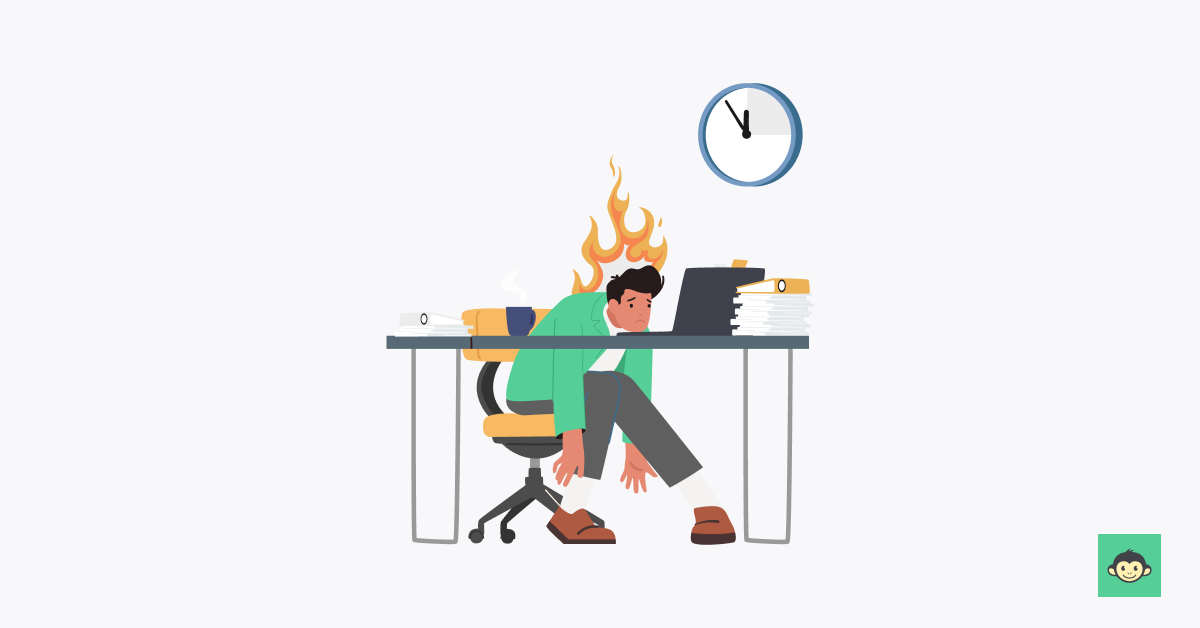
Step 5: Simplify Decision-Making
Decision fatigue can slow you down and lead to mistakes. Simplify your choices by implementing systems and frameworks.
Tips to Streamline Decisions
- Use templates for recurring tasks like reports or presentations.
- Develop standard operating procedures (SOPs) for repetitive processes.
- Rely on trusted tools like GGyess for social media or project management.
| Scenario | Solution |
|---|---|
| Deciding when to post content | Use a pre-defined content calendar. |
| Delegating tasks to a team | Follow a task assignment SOP. |
Step 6: Improve Your Workspace
Your work environment has a significant impact on your speed and accuracy. A cluttered or distracting workspace can slow you down and increase the likelihood of errors.
Workspace Optimization Tips
- Organize Tools: Keep frequently used items within arm’s reach.
- Invest in Ergonomics: Use a comfortable chair and an adjustable desk to reduce fatigue.
- Lighting Matters: Ensure your workspace is well-lit to avoid eye strain.
Step 7: Develop Micro-Habits for Speed
Small, consistent habits can significantly improve your efficiency over time.
Examples of Micro-Habits
- Start each day by prioritizing your tasks.
- End the day by reviewing completed tasks and planning for tomorrow.
- Use keyboard shortcuts for commonly performed actions.
Step 8: Leverage Technology to Work Smarter
Incorporating the right tools into your workflow can drastically improve your efficiency and accuracy. By utilizing platforms that centralize tasks and automate processes, you can streamline your work and reduce the risk of mistakes.
Tools to Enhance Your Productivity
- GGyess: This all-in-one platform is perfect for managing social media campaigns, scheduling posts, and analyzing performance without juggling multiple tools.
- Project Management Software: Platforms like Trello or Asana can help you track progress, assign tasks, and ensure deadlines are met.
- Time Tracking Apps: Tools like Toggl help monitor how you spend your time, identifying areas where you can improve efficiency.
| Tool | Purpose | Benefit |
|---|---|---|
| GGyess | Social media management | Centralizes campaigns to save time. |
| Trello | Task management | Visualizes workflows for clarity. |
| Grammarly | Writing assistance | Reduces errors in emails and reports. |

Step 9: Double-Check High-Stakes Work
When working quickly, it’s easy to overlook errors in critical tasks. Implementing a double-checking system ensures quality without significantly slowing you down.
How to Double-Check Effectively
- Use Checklists: Create a list of key elements to review before submitting work.
- Involve a Second Pair of Eyes: Have a colleague review important documents or presentations.
- Use Tools: Grammarly for writing or Excel’s error-checking functions can catch common mistakes.
| Task | Checklist Item |
|---|---|
| Email to a client | Check for proper spelling and tone. |
| Presentation slides | Verify data accuracy and visual clarity. |
| Budget reports | Ensure calculations are correct. |
Step 10: Practice Active Rest
Contrary to popular belief, constant work doesn’t lead to higher productivity. Regular breaks are essential to maintain focus and prevent burnout.
Types of Active Rest
- Short Breaks: Use the Pomodoro technique to take 5-minute breaks every 25 minutes of focused work.
- Movement Breaks: Stand, stretch, or take a short walk to boost circulation and clear your mind.
- Digital Detox: Step away from screens during longer breaks to reduce mental fatigue.

Break Schedule Example
| Work Duration | Break Length | Activity |
|---|---|---|
| 50 minutes | 10 minutes | Take a short walk. |
| 2 hours | 15 minutes | Stretch and hydrate. |
| Half-day | 30 minutes | Eat a healthy snack. |
Step 11: Learn from Your Mistakes
Mistakes are inevitable, but they’re also valuable learning opportunities. Instead of viewing errors as setbacks, treat them as lessons to refine your process.
How to Learn from Mistakes
- Identify the Cause: Was it due to rushing, unclear instructions, or lack of resources?
- Implement Solutions: Adjust workflows, clarify guidelines, or use tools to prevent recurrence.
- Document Lessons Learned: Keep a record of common errors and how to avoid them.
Step 12: Regularly Review Your Workflow
Periodic reviews of your workflow help identify inefficiencies and areas for improvement.
Workflow Review Steps
- Evaluate Tools: Are they meeting your needs, or is there a better option?
- Analyze Time Spent: Use time-tracking data to identify where you lose time.
- Seek Feedback: Ask colleagues for input on how you can improve collaboration or task management.

Conclusion
Balancing speed and accuracy is a challenge, but with the right strategies, it’s entirely achievable. By planning thoroughly, using focus blocks, automating repetitive tasks, and prioritizing self-care, you can enhance both your efficiency and the quality of your work.
Remember, productivity isn’t just about working faster; it’s about working smarter. With these tips, you’ll be equipped to tackle your workload with confidence and precision.