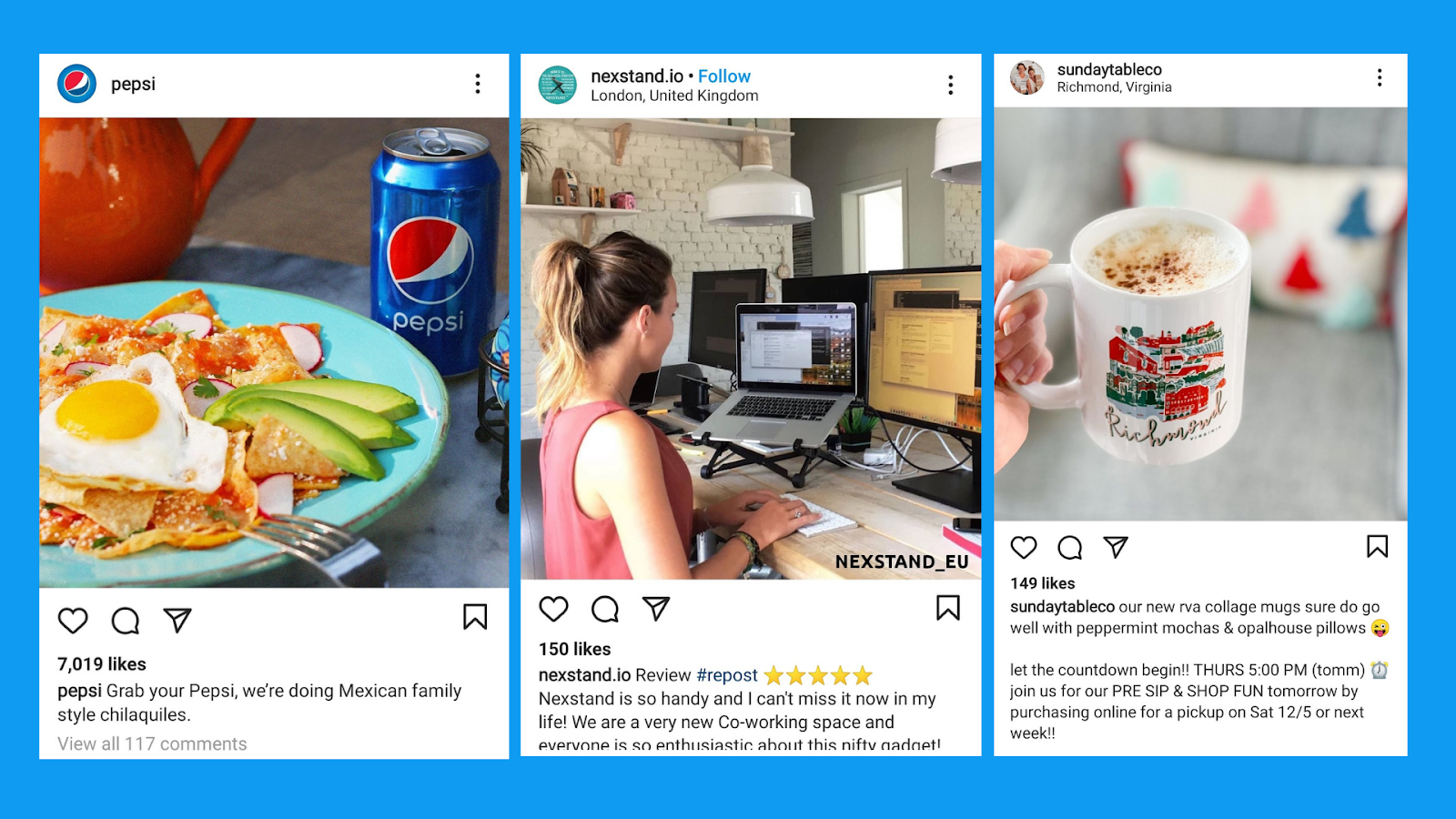
Are you looking for the perfect recipe to make your Instagram posts stand out? Today, I’m bringing you a step-by-step guide, just like cooking a gourmet dish, to help you effectively use titles and subtitles in your posts. Let’s head to the digital marketing kitchen!
Ingredients:
- 1 cup of creativity
- 2 tablespoons of clarity
- A pinch of emojis (optional)
- 1/2 cup of emotional connection
- 1 teaspoon of keywords
- 1 cup of visual consistency
- Final touch: A good call to action
Preparation:
Step 1: Preheat with Creativity
Instructions: Before starting, preheat your mind with a good dose of creativity. In the fast-paced world of Instagram, where users scroll quickly, your title needs to stand out instantly. Think of titles as the aroma that draws diners to the kitchen; if it’s intriguing enough, they’ll pause to see more. For example, instead of a generic title like “New Product Available,” opt for something that sparks curiosity and excitement, like “Discover the Secret That Will Change Your Daily Routine!”
Creativity knows no bounds, and this is the time to explore all possibilities. Consider wordplay, use thought-provoking questions, or impactful phrases that resonate with your audience. Why not try something bolder? If you’re selling clothing, a title like “Ready to Conquer the World with Your Style?” could be the spark your post needs to stand out.
Step 2: Mix Clarity with Emotional Connection
Instructions: In a large bowl, mix clarity and emotional connection well. It’s essential that your titles and subtitles are clear and direct, but at the same time, they must resonate with your audience’s emotions. Clarity means your message is easily understood, while emotional connection is what makes your followers feel identified with your content.
Consider a title like “Transform Your Morning in 5 Minutes.” It’s clear: you’re offering a benefit in a specific timeframe. But there’s also an emotional promise: improving an important part of the day. Titles that combine these elements are irresistible because they offer a solution while tapping into an emotional need or desire. For example, if your brand focuses on wellness, you could use a title like “Rediscover Inner Peace with This Simple Practice,” which is direct but also deeply resonant.
Step 3: Add a Pinch of Emojis (optional)
Instructions: If you’re feeling adventurous, add a pinch of emojis to the mix. But be careful not to overwhelm the flavor. Emojis can bring your title to life, adding a visual touch that stands out in the Instagram feed. Think of emojis as the spices in your recipe; a little can enhance the flavor, but too much can be overpowering.
For example, a simple “New Launches 🚀!” can make your post more appealing. Emojis help convey emotions and capture attention amidst a feed full of images and text. If you’re launching a summer product, a title like “Get Ready for Summer ☀️🌊” might resonate more than just “Summer Launch.” However, make sure the emojis you use align with your brand’s tone and the message you want to convey.
Step 4: Incorporate Keywords
Instructions: Now, add a teaspoon of keywords. These are essential for making your post discoverable by more people, especially if you use strategic hashtags. Keywords should be well integrated into your titles and subtitles to improve visibility and ensure that your content reaches the right audience.
For example, if you’re in the fashion niche, a title like “Summer 2024 Trends” is effective because it includes terms that users are likely searching for. Keywords should be relevant and align with popular searches in your industry. If you’re promoting an event or product, using words like “Exclusive,” “Limited Offer,” or “Last Chance” can attract those looking for something specific.
Remember, the key here is not just to be descriptive but also strategic. Analyze what terms are trending in your niche and how you can incorporate them naturally into your titles. This not only increases the chances of being found but also sets clear expectations for users who interact with your content.
Step 5: Combine with Visual Consistency
Instructions: In a separate pan, heat visual consistency until it’s well integrated with the other ingredients. Your titles and subtitles should complement the overall aesthetic of your Instagram profile. Use the same fonts, colors, and styles that characterize your brand to ensure everything is aligned. Visual consistency is crucial for creating a pleasant and professional user experience.
Think of it this way: if your Instagram profile has a minimalist and clean style, your titles should reflect that same style. Use fonts that are legible and consistent with your visual identity. If you prefer a more vibrant and energetic look, let that be reflected in your titles and subtitles, using bold colors and typography that communicate dynamism. Visual consistency ensures that your followers immediately associate the content with your brand, creating a solid and memorable identity.
For example, brands like Apple or Nike are recognized for their visual consistency. Their titles and subtitles on social media are not only consistent with their branding but also reinforce the global message of the brand. This is what you should aim for: creating an unmistakable style that feels like a natural extension of your brand in every post you publish.
Step 6: Add the Final Touch with a Call to Action
Instructions: Finally, the finishing touch: a good call to action. This is the seasoning that will make your followers not just look at your post but interact with it. An effective call to action can be the difference between a passive follower and an engaged one.
Phrases like “Discover more in our bio” or “Share your opinion in the comments” are small details that can make a big difference in engagement. It’s important that the call to action is clear and direct, guiding users toward the action you want them to take. If you’re launching a product, you could say “Buy now and get 20% off,” or if you’re looking for more interaction, something like “Tell us your favorite in the comments” can stimulate participation.
The call to action is like that final sprinkle of salt on a perfectly prepared dish: it highlights the flavors and completes the experience, ensuring that the post is not only seen but also remembered and shared.
Cooking Time:
Instructions: Once all the ingredients are mixed, let your post cook slowly in the Instagram feed. Watch as your followers begin to interact, comment, and adjust your recipes based on their reactions. Remember, like in any good kitchen, patience and observation are key.
The cooking time here refers to the patience you need to see how your post performs. Monitor the statistics, review the engagement, and adjust your title and subtitle strategy based on what works best. Just as a chef tweaks their recipes after tasting them, you must be willing to make adjustments based on the results you observe.
Presentation:
Instructions: Serve your post on a visually appealing plate, ensuring that the titles and subtitles are well presented and easy to read. Remember, the first impression is what counts, and a good presentation can turn visitors into loyal followers.
In this step, the presentation refers to how your post will appear in the Instagram feed. The combination of good visual design, along with impactful titles and subtitles, creates a post that not only looks good but also fulfills its purpose of attracting and engaging your audience. Make sure everything is aligned: from the colors to the layout of the text and images.
Dessert: GGyess, the Perfect Tool for Your Instagram Posts
After such a detailed recipe, it’s time to enjoy dessert. And what better way to complete this experience than with GGyess, a tool designed to take your Instagram posts to the next level. With GGyess, you can plan, automate, and analyze your posts efficiently, ensuring that each one follows this recipe to the letter.
GGyess allows you to create and schedule visually consistent and strategically optimized content so that your brand stands out on Instagram. Plus, with its analytics feature, you can see which titles and subtitles are performing best, allowing you to adjust your strategy in real-time.
Did you enjoy this recipe? You might be interested in: 10 Community Manager Challenges and How to Transform Them to learn how to overcome the most common challenges in community management and optimize your social media strategy.