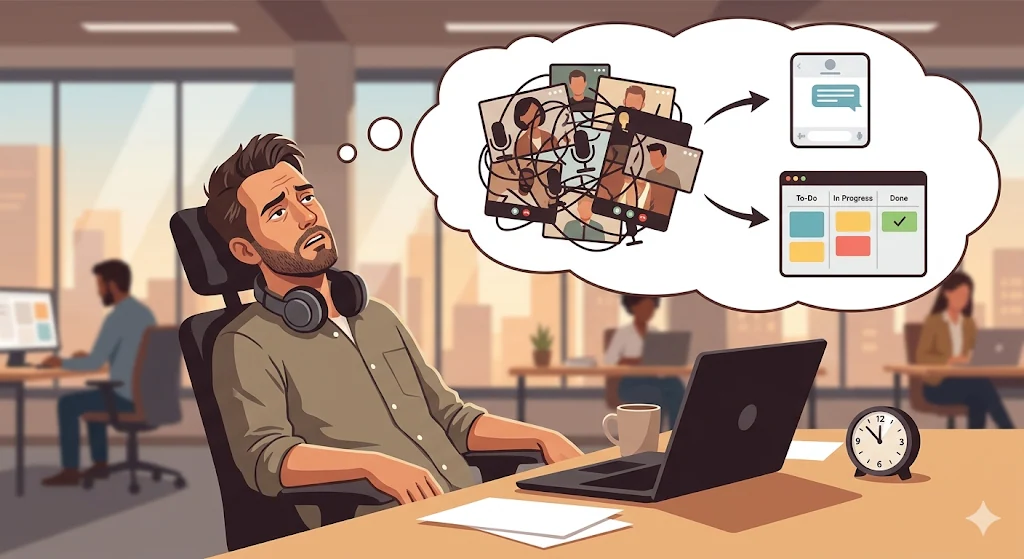
We’ve all been there. It’s 11:45 AM. You’ve just finished a 45-minute video call with your team and the client. You close the meeting window, lean back in your chair, and a universal thought crosses your mind:
“This meeting could have been a text message.”
Or better yet: “This meeting could have been a simple task on our board.”
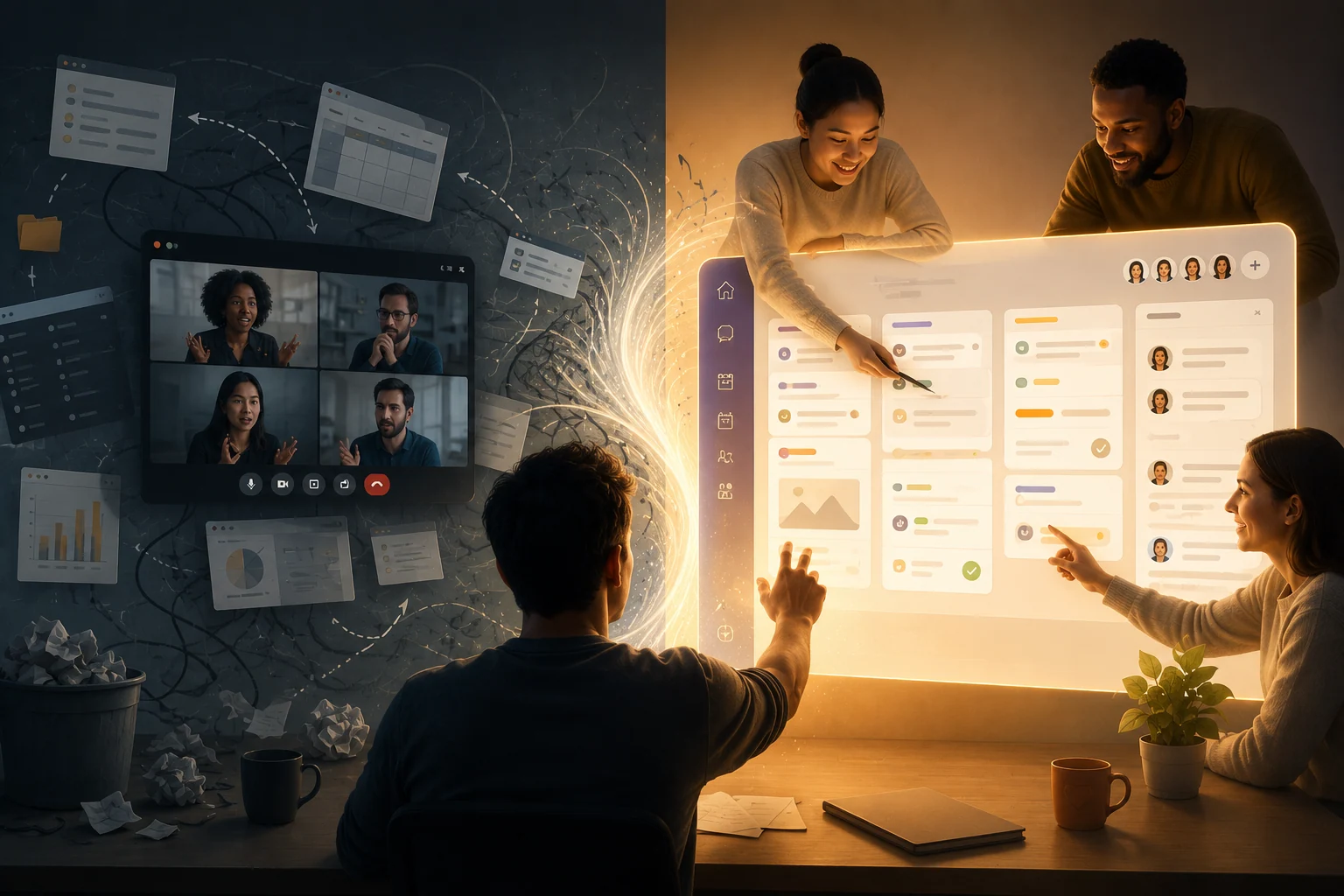
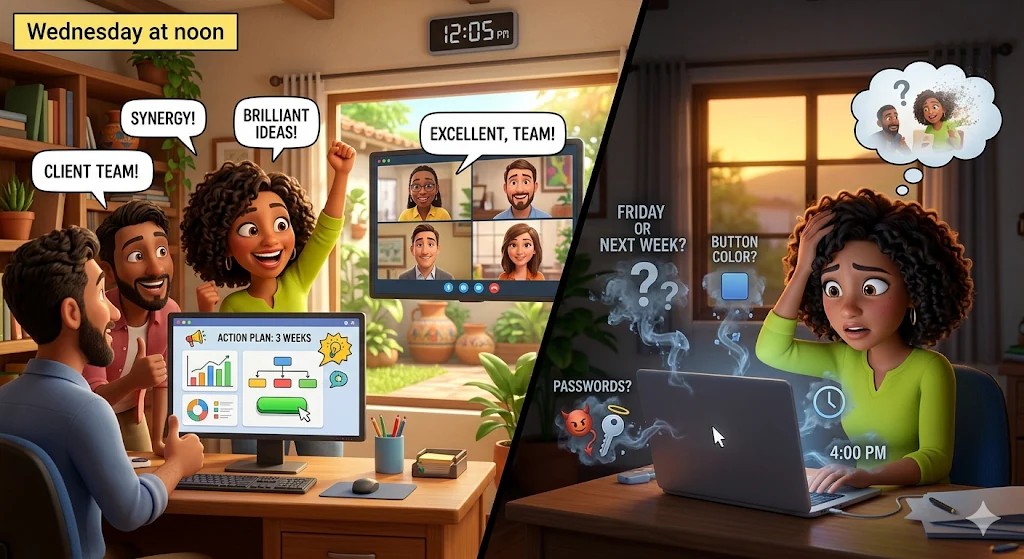
The problem isn’t that we enjoy wasting time. The problem is that in the modern workplace, we’ve developed an “Immediacy Bias.” When a leader or client has an idea, a question, or a request, the default reaction is to call a meeting. It feels like if we’re not talking in real time, face-to-face, we’re not working.
This dependency on synchrony is destroying productivity. It interrupts deep work, exhausts creative teams, and creates operational bottlenecks.
To scale a service business, agency, or startup, you must master asynchrony. In this article, we’ll introduce the Operational Friction Decision Tree—a clear framework to help your team know exactly when to turn on the camera and when to simply create a task.
The Clash of Two Worlds: Synchrony vs. Asynchrony
Before making better decisions, you need to understand the tools available—and their hidden costs.
1. Synchronous Communication (Real-Time)
Examples: Video calls, phone calls, meetings, tapping someone on the shoulder
Cost: Very high. Requires multiple people to stop everything simultaneously
Advantage: High emotional bandwidth—tone, body language, rapid debate
2. Asynchronous Communication (Time-Shifted)
Examples: Kanban tasks, comments, documented messages
Cost: Low. People respond during peak productivity
Advantage: Creates a record, encourages thoughtful responses, protects focus
The #1 management mistake in B2B is using high-cost synchronous tools to solve low-value asynchronous problems.
The Decision Tree: The “Operational Friction Filter”
Before sending a meeting invite or asking for a “quick 5-minute call,” run it through this 3-level filter.
Level 1: Purpose (Information vs. Resolution)
Ask yourself: What’s the goal of this interaction?
- Information Transfer (One-way):
Example: sharing a report, announcing a completed phase
→ Decision: ASYNCHRONOUS. Upload it to a task, tag stakeholders, let them review on their own time. - Conflict Resolution / Discussion (Two-way):
Example: unclear feedback, blockers
→ Move to Level 2.
Level 2: Complexity & Ambiguity
Now evaluate how clear the situation is.
- Low Ambiguity:
Example: “Change button color to green and update headline.”
→ Decision: ASYNCHRONOUS. Create a task with clear instructions. - High Ambiguity:
Example: “The brand doesn’t feel right, but I don’t know why.”
→ Move to Level 3.
Level 3: Emotional State (Friction Rule)
This is the critical layer.
- Neutral/Positive Context:
Project is on track, collaboration is smooth
→ Decision: ENHANCED ASYNCHRONY. Use detailed task comments. - Negative/Tense Context:
Client frustration, mistakes, misalignment
→ Decision: STRATEGIC SYNCHRONY. Schedule a video call. Human interaction is necessary to rebuild trust.
The Anatomy of “Perfect Asynchrony”
If your decision leads to async work, execution must be flawless. Poor async creates delays.
A “bulletproof” task includes:
- Full Context: All files, links, and details in one place
- Clear Ownership: One responsible person
- Deadline: No deadline = no priority
- Automated Reminders: The key element—software enforces timelines
Instead of asking “How’s it going?”, the system reminds people automatically.
The Anatomy of “Strategic Synchrony”
If a meeting is necessary, treat it as high-value time.
Follow this protocol:
- Consent-Based Scheduling (Appointments):
Let participants choose a time that fits their schedule - Mandatory Pre-Read:
Everyone reviews the project board before joining - Board-Centered Discussion:
During the call, focus on the shared workspace—not just faces - Real-Time Execution:
Decisions become tasks immediately during the meeting
When the call ends, work is already structured and moving.
GGyess: The Only Environment That Masters Both Worlds
The biggest challenge in applying this framework is tooling. Most platforms force a choice:
- Async tools (task managers)
- Sync tools (Zoom, Meet, Calendly)
This fragmentation creates friction—and teams fall back into unnecessary meetings.
GGyess, as a unified WorkSuite, eliminates that divide.
Here’s how:
- Bulletproof Asynchrony:
Use Kanban, Gantt, or list views. Collaborate inside tasks. Let smart reminders enforce deadlines. - Seamless Transition to Synchrony:
Need a meeting? Use built-in Appointments. No external tools required. - Native Video Calls:
Start meetings directly inside the workspace—no lost links, no context switching. - Live Documentation:
During calls, create tasks in real time. Decisions instantly become execution.
The result: a system where work flows naturally between async and sync without friction.
Respecting people’s time is the highest form of professionalism in modern business.
Stop using meetings to read information. Start using intelligent systems that move work forward automatically.
Apply the friction filter, take control of your calendar, and unlock true collaborative efficiency. Start today at https://ggyess.com.
Frequently Asked Questions (FAQ)
What is asynchronous work and why does it improve productivity?
It’s a model where communication doesn’t happen in real time. It allows uninterrupted deep work, reduces stress, and improves output quality.
When are video calls truly necessary?
For high-complexity or emotionally sensitive situations: kickoffs, conflict resolution, strategic pivots, or critical discussions.
How do you prevent async work from slowing down?
By using automated reminders and clear task structures. Tools like GGyess ensure accountability without needing status meetings.
Put your next project in motion.
Explore GGyess and find a place to organize the work with your team.
Explore GGyess ↗