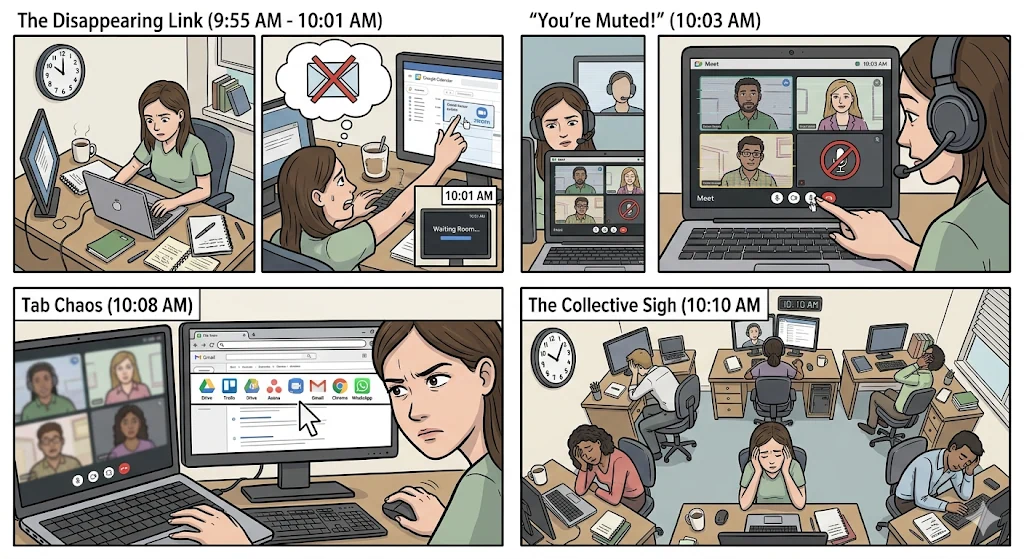
It’s 9:55 AM. You have a key meeting at 10:00 AM with your team and a client to review the progress of a critical project.
At 9:58 AM, you open your email to find the meeting link. You can’t find it. You go to your Google Calendar, open the event, and click the Zoom (or Meet, or Teams) link.
At 10:01 AM, you enter the waiting room.
At 10:03 AM, everyone is connected. The usual awkward greetings follow, along with the classic “you’re muted, your mic is off.”
At 10:05 AM, the meeting leader says the phrase that defines our corporate era: “Give me a second, I’ll share my screen… can you see it?”
At 10:08 AM, the leader is desperately searching for the right tab of the Asana or Trello board, trying not to accidentally show their private WhatsApp messages.
By the time the meeting actually “starts” at 10:10 AM, the collective energy in the room has vanished. Everyone has experienced a micro-dose of technological stress.
For years, we blamed the webcam for our exhaustion. We called it Zoom Fatigue. But productivity science has discovered that the problem has evolved. We’re no longer tired of seeing faces on video; we’re exhausted by platform switching.
Welcome to Second-Generation Zoom Fatigue. In this article, we’ll break down how the friction of using multiple apps for a single conversation is destroying your Flow State, and how shifting to “Contextual Video Calls” is the only way to reclaim your productivity.
What is Second-Generation Zoom Fatigue?
Original Zoom Fatigue (1.0) was defined by the visual and psychological strain of maintaining prolonged eye contact with a screen full of faces.
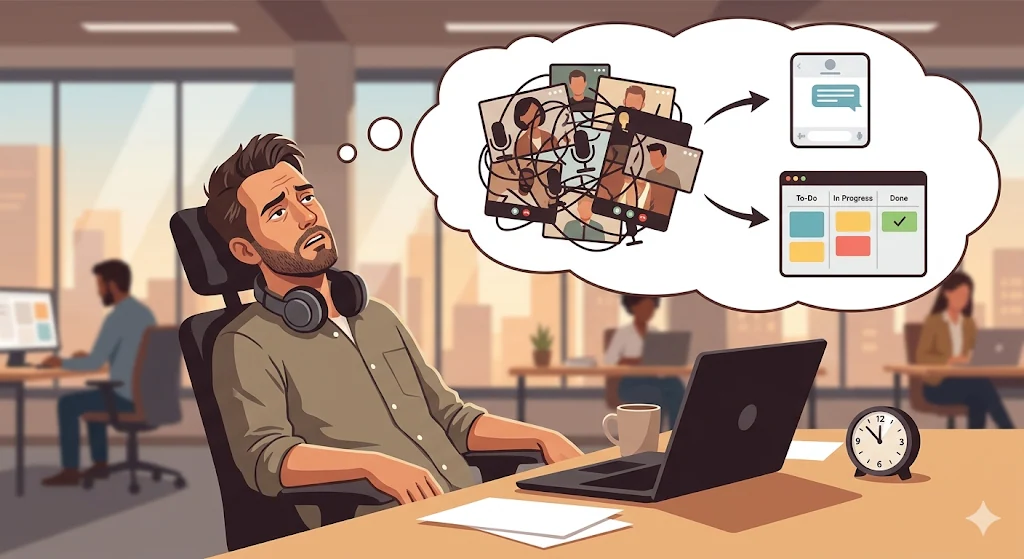
Second-Generation Zoom Fatigue (2.0) is an operational and cognitive problem. It arises from the massive mental effort required to manage your “Tech Stack” (your set of applications) while trying to hold an intelligent conversation.
In a traditional work video call, your brain acts like an internet router, processing multiple signals from disconnected platforms:
- You listen to your client in the Zoom window.
- You read technical requirements in a Google Docs window.
- You try to take quick notes in Notion or on paper.
- You attempt to update project status in another Trello window.
The “Context Switching” Tax
In neuroscience, the Flow State is that moment of deep immersion where you produce your highest-quality work. The mortal enemy of Flow is Context Switching—the act of shifting attention from one task (or app) to another.
Studies show that every time you switch tabs or applications, your brain burns glucose. In a 45-minute call where you jump between your calendar, video app, task manager, and file storage, your brain performs dozens of micro-switches.
That’s why when you hang up, you feel like you’ve run a mental marathon—even though you haven’t moved from your chair. Your creative energy was drained by platform friction.
The “Screen Sharing” Epidemic
The clearest symptom that your company suffers from Zoom Fatigue 2.0 is total dependence on screen sharing.
We’ve accepted screen sharing as the peak of digital collaboration—but in reality, it’s a deeply flawed model for B2B work.
Why does screen sharing destroy collaboration?
- It turns participants into hostages: One person controls the mouse, pace, and navigation. Everyone else becomes a passive viewer.
- It suffocates problem-solving: If a client says “show me last week’s design task,” the presenter must stop, search, and open it. Everyone waits.
- The Lost Notes Syndrome: Since the screen is occupied, participants take scattered notes in personal tools. After the call, those agreements vanish because they weren’t documented in the central platform.
Screen sharing is great for one-way presentations. It’s terrible for agile project management.
The Paradigm Shift: Contextual Video Calls
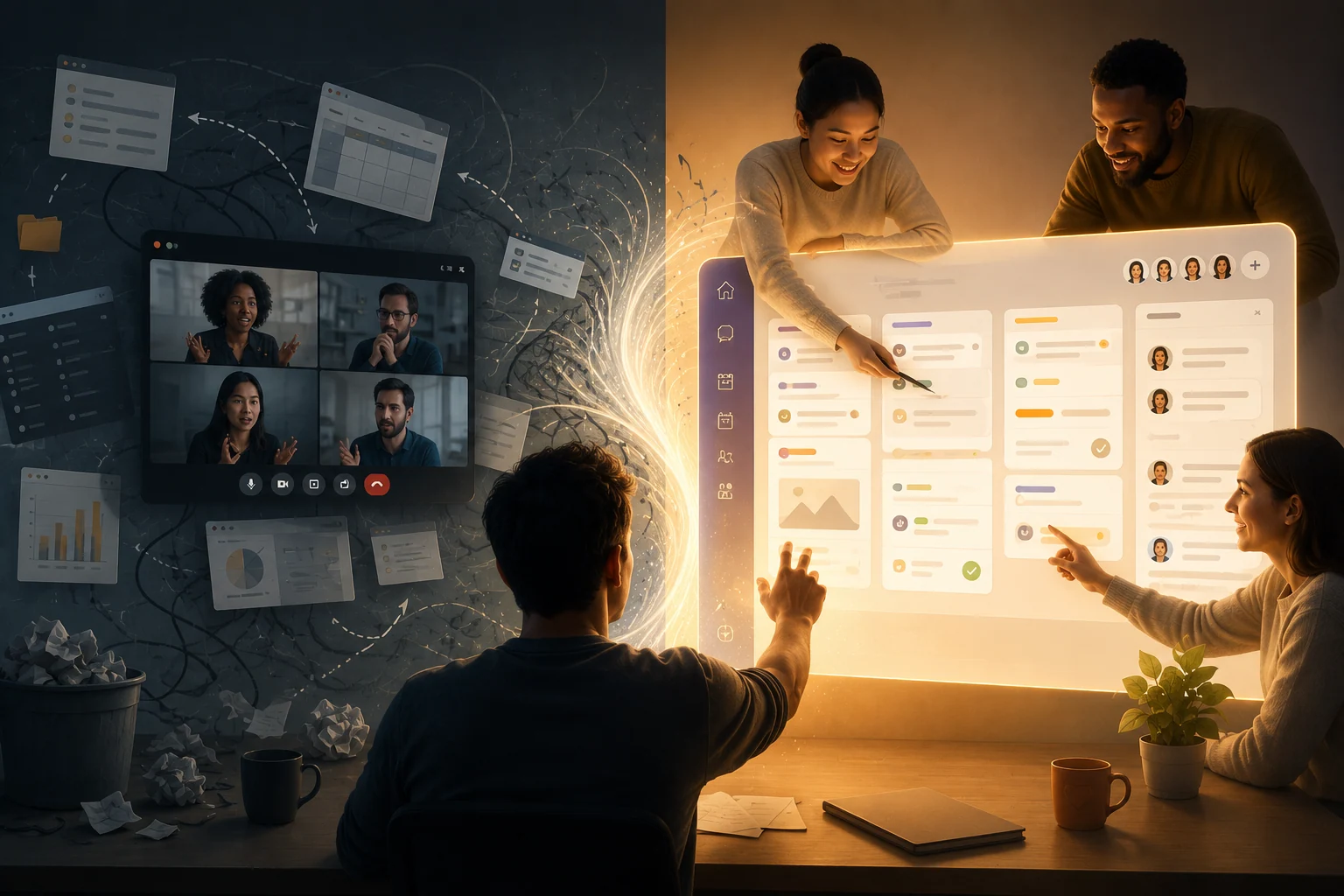
If the problem is that work (tasks and files) and communication (video) live in separate digital buildings, the solution is to tear down the walls.
We enter the era of the Contextual (or Native) Video Call.
A contextual video call doesn’t happen in an external conferencing app—it runs directly on top of the workspace where project data lives.
Instead of bringing files into the meeting (opening tabs and sharing screens), you bring the meeting into the work.
How the Contextual Collaboration Framework works:
Imagine the same 10:00 AM meeting:
- Zero link hunting: Your client doesn’t search email. They simply enter the shared workspace.
- Immediate immersion: At 10:00 AM, you start the video call directly inside the project Kanban board. Participant faces appear seamlessly within the interface.
- Multiplayer collaboration, not screen monopoly: No one says “can you see my screen?”. Everyone sees the live board. The client opens the “Copy” card while you move “Design” to “Approved.”
- Real-time documentation: As ideas emerge, you create tasks on the spot, assign deadlines, and tag responsible parties.
When you hit “End Call,” there’s no admin work left. No transferring notes. The work is already structured. Your Flow State was never broken because you never left your command center.
The Missing Link: Appointments Integration
For contextual video calls to work, the flow must be seamless from scheduling. Zoom Fatigue 2.0 often starts with the friction of booking meetings (“What day works? Zoom or Teams?”).
To eliminate this, video must be tied to an Appointments system.
In a mature workflow, you share your availability link. The client picks Tuesday at 10:00 AM. The system automatically recognizes the project context and activates the video call inside that specific workspace. Bureaucracy disappears.
Eliminate Digital Fatigue with GGyess WorkSuite
Large enterprises have spent millions trying to connect Zoom with Jira or Monday via complex APIs—only to end up with unstable systems.
You don’t need engineers. You need the right software.
In its most ambitious evolution, GGyess has become the most cohesive B2B WorkSuite, designed specifically to eliminate Second-Generation Zoom Fatigue by unifying sync and async work.
How does GGyess transform your meetings?
- Native Video Calls: Meetings happen inside your project boards (Kanban, Gantt, Lists). Discuss issues while seeing files and deadlines in context.
- Appointments as Entry Point: Clients book directly. Meetings are automatically linked to the project.
- No Context Switching: Open files, assign tasks, and review progress without leaving the platform.
- Reminders that reinforce execution: Everything decided becomes a task, and Smart Reminders ensure follow-through—no need for follow-up meetings.
Video calls aren’t the enemy. The enemy is the fragmented tech surrounding them.
Reclaim your Flow State, eliminate cognitive overload, and run meetings that actually move your business forward. Simplify your operations today with the ultimate WorkSuite at ggyess.com.
Frequently Asked Questions (FAQ)
What causes Context Switching in remote work?
It happens when professionals constantly jump between tools (email, Slack, Zoom, Asana) to complete a single task. This drains mental energy, reduces focus, and is a major cause of burnout.
What’s the difference between screen sharing and contextual collaboration?
Screen sharing is passive—one person controls everything. Contextual collaboration allows all participants to interact with the same workspace simultaneously during the call.
Why is an integrated Appointments system better than external calendars?
External tools create isolated time blocks with generic links. A native Appointments system connects the meeting directly to the project workspace, ensuring immediate context and access to all relevant files and tasks.
Put your next project in motion.
Explore GGyess and find a place to organize the work with your team.
Explore GGyess ↗