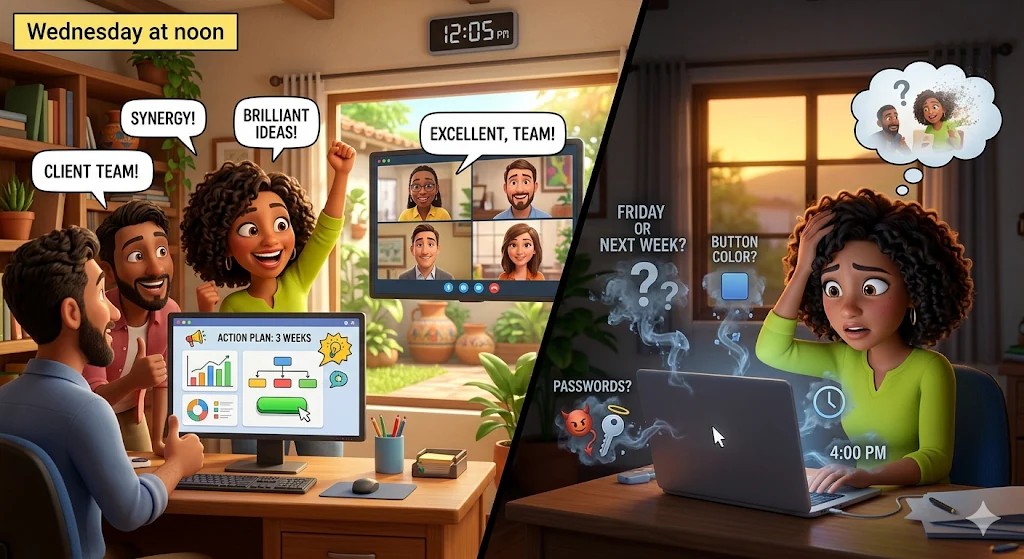
It’s Wednesday at noon. You’ve just had what was, without a doubt, the best video call of the month with your team and a key client. The synergy was perfect. You had a brilliant brainstorming session, solved a technical problem that had been blocking progress, and mapped out a new action plan for the next three weeks.
Everyone says goodbye with smiles. The client delivers the classic closing line: “Excellent, team! I’ll wait for the next steps.” You hang up. You feel like you’re on top of the world.
But then, you go to lunch. You respond to a couple of urgent Slack messages. You have another quick meeting at 2:00 PM.
When you finally sit down at 4:00 PM to work on that morning’s client project, you stare at a blank screen. Did we say the design was due this Friday or next? Did the client ask for a navy blue button or a light blue one? Who was supposed to send the passwords to the developer—him or me?
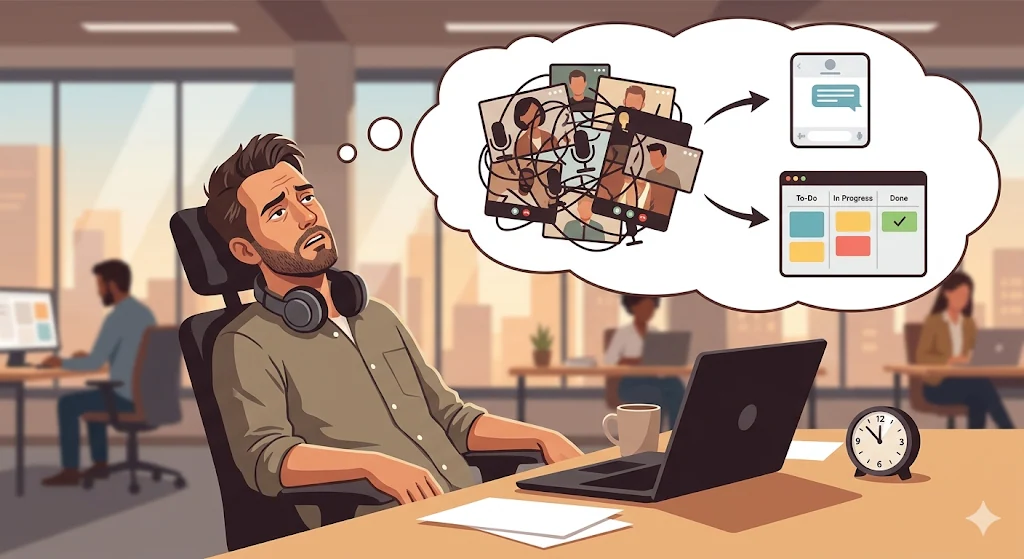
In just four hours, the best meeting of the month has evaporated. The big ideas and critical agreements have turned into Digital Smoke.
This phenomenon is one of the biggest destroyers of profitability and trust in agencies, consultancies, and modern work teams. In this article, we’ll break down why short-term memory and traditional “meeting minutes” are sabotaging your operations, and how to implement the Living Documentation framework to turn words into action before the camera even turns off.
The Anatomy of “Digital Smoke”
Digital Smoke happens when verbal agreements, strategic decisions, and execution promises from a video call are not anchored to a real-time management system. Like smoke, these ideas are visible and exciting for a moment—but quickly disappear into the atmosphere of your daily routine.
Why does this happen? Mainly due to reliance on three outdated retention methods:
1. The Illusion of Memory
The human brain is amazing at generating ideas, but terrible at storing precise data. When you rely on memory to recall a “small change” mentioned in minute 42 of a call, you’re gambling with the quality of your service.
2. The Graveyard of Physical Notebooks
Many professionals take frantic notes in a notebook to avoid forgetting. The problem? Those notes become an Isolated Information Silo. Your designer can’t read your notebook. Your client doesn’t have access. That information must be transcribed digitally later—a step that rarely happens the same day.
3. The “Meeting Minutes” Fallacy
The classic corporate solution is assigning someone to write meeting minutes. They take notes and later send a summary via email.
Why does this fail? Because minutes are static, not actionable. Reading “John will handle the server” doesn’t make John do it. There’s no deadline, no task, no reminders. The document is read once and forgotten.
The Living Documentation Framework
To eliminate Digital Smoke, you must stop treating documentation as a post-meeting task and start treating it as an in-meeting activity.
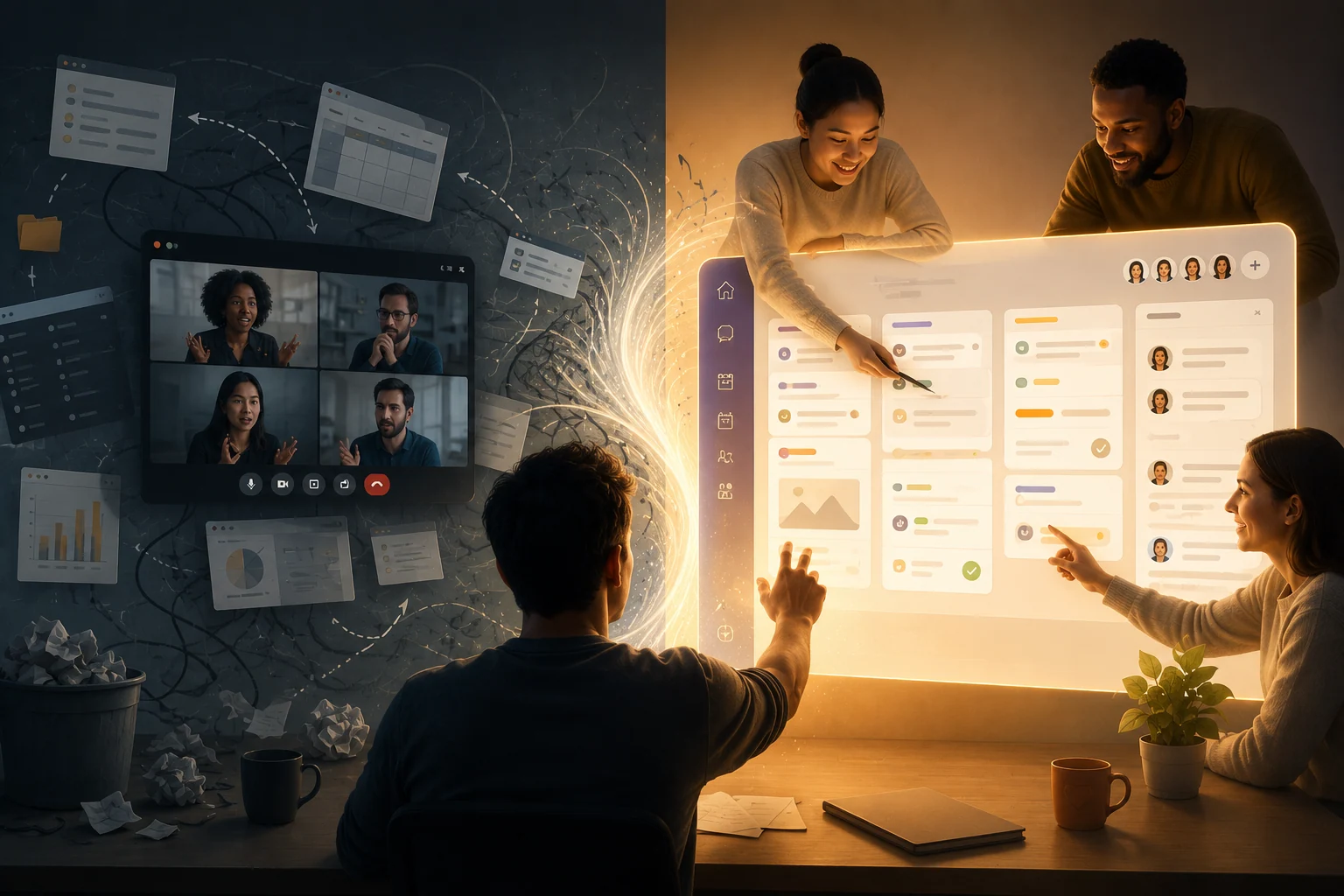
Living Documentation means capturing, structuring, and delegating work while the conversation is happening, using the project board as the center of the discussion.
The premise is simple: if you need to send a “next steps” email after the call, your meeting failed operationally.
Here’s how to implement it:
Step 1: The Board is the Agenda (Pre-Work)
Living Documentation starts before the meeting. Never enter a call with a blank document.
If you use Appointments, the meeting should be linked to the project workspace. When everyone joins, they open the Kanban board or Gantt chart, not a slide deck. The current state of the project defines the agenda.
Step 2: Multiplayer Execution (No More Screen Sharing)
Screen sharing turns participants into passive observers.
For documentation to be “alive,” the platform must be collaborative. While the client speaks, you or your team actively create and update tasks directly in the system.
Step 3: Instant Transformation (From Words to Tasks)
This is where the magic happens.
The client says: “I love the email campaign idea. Let’s launch it on the 15th.”
Instead of writing it down, you immediately create a task:
- Task: “Set up Email Campaign”
- Assigned to: Carlos (Copywriter)
- Deadline: Day 12
Then you confirm: “Perfect, I’ve created the task in your board, assigned it to Carlos for the 12th so we have time for review.”
The result: the client sees their idea instantly become structured work. The responsible person gets notified before the meeting even ends. Accountability is locked in.
The Psychological Impact
Switching to Living Documentation transforms both team culture and client relationships:
- Total Alignment: The client sees tasks being created in real time and can correct them instantly.
- Zero Admin Procrastination: No post-meeting cleanup. When the call ends, management work is done.
- Premium Perception: Clients perceive a high level of professionalism when ideas become structured execution instantly.
Why You Need a WorkSuite, Not Integrations
Trying to do this with fragmented tools (Zoom + Notion + Trello) creates friction and distraction.
Living Documentation requires a single environment where communication and execution are unified. That’s where GGyess comes in.
As the ultimate WorkSuite, GGyess removes the barrier between “talking” and “doing”:
- Native Video Calls: Meetings happen inside the workspace, not beside it.
- Frictionless Task Creation: Create, assign, and update tasks in real time during the call.
- Contextual Appointments: Meetings are automatically tied to the correct project.
- Smart Reminders: Tasks created during the call are automatically tracked and followed up.
Ideas are cheap. Execution is everything. Don’t let your team’s talent and your client’s strategy evaporate into thin air just because you lack the right system to capture them.
Make every meeting count, eliminate Digital Smoke, and turn every conversation into structured progress. Switch to the ultimate WorkSuite today at ggyess.com.
Frequently Asked Questions (FAQ)
What is “Digital Smoke” in a corporate environment?
It refers to the rapid loss of context, decisions, and agreements after a meeting when they are not immediately recorded in an actionable system.
Why are meeting minutes inefficient for agile teams?
Because they are static text documents without accountability mechanisms—no deadlines, no reminders, no workflow integration.
What is Living Documentation and how is it achieved?
It’s the practice of managing tasks in real time during a meeting, ensuring that conversations are instantly translated into structured, actionable work using an integrated WorkSuite.
Put your next project in motion.
Explore GGyess and find a place to organize the work with your team.
Explore GGyess ↗