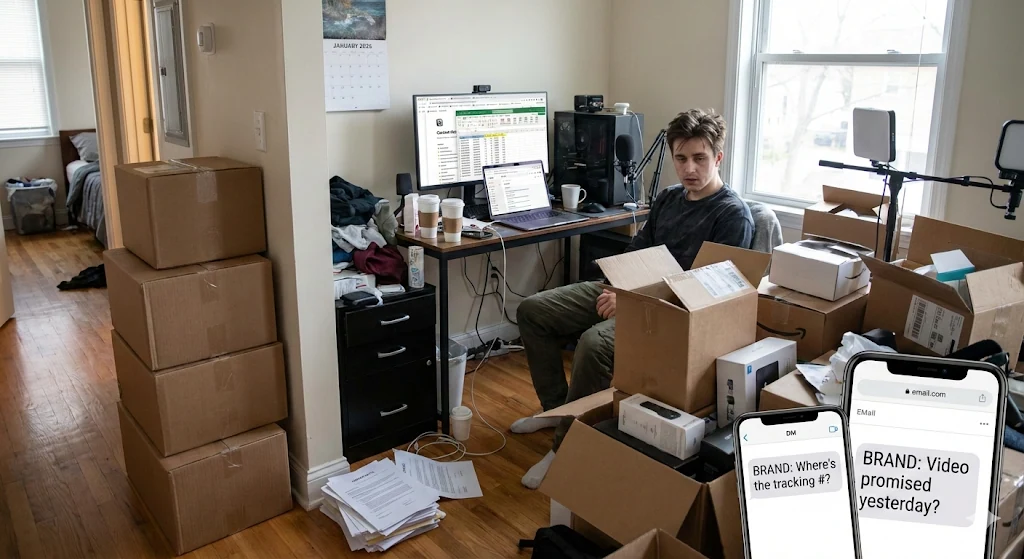

This guide focuses on choosing what proceeds and what waits within available capacity. The worked example follows three units: “creator brief”, “video receipt” and “permission record”.
Reference input: creative brief and documented permissions. Expected output: a deliverable and authorized-use register. Before assigning work, confirm the current input version and who will review the result.
Separate urgency from a genuine blockage
To prioritize the UGC creator deliverables coordination, start with the consequence of inaction. A task described as urgent by preference may matter less than another that enables committed work. Compare creator brief, video receipt and permission record using impact, dependency, useful date and effort. Avoid invented scoring weights that make an unresolved discussion appear objective. Evidence should explain why one unit should start and what is at risk if another waits. Priority is a decision about available capacity, rather than an adjective attached to every task. The decision needs to remain understandable to the people whose requests are deferred.
Calculate the capacity actually available
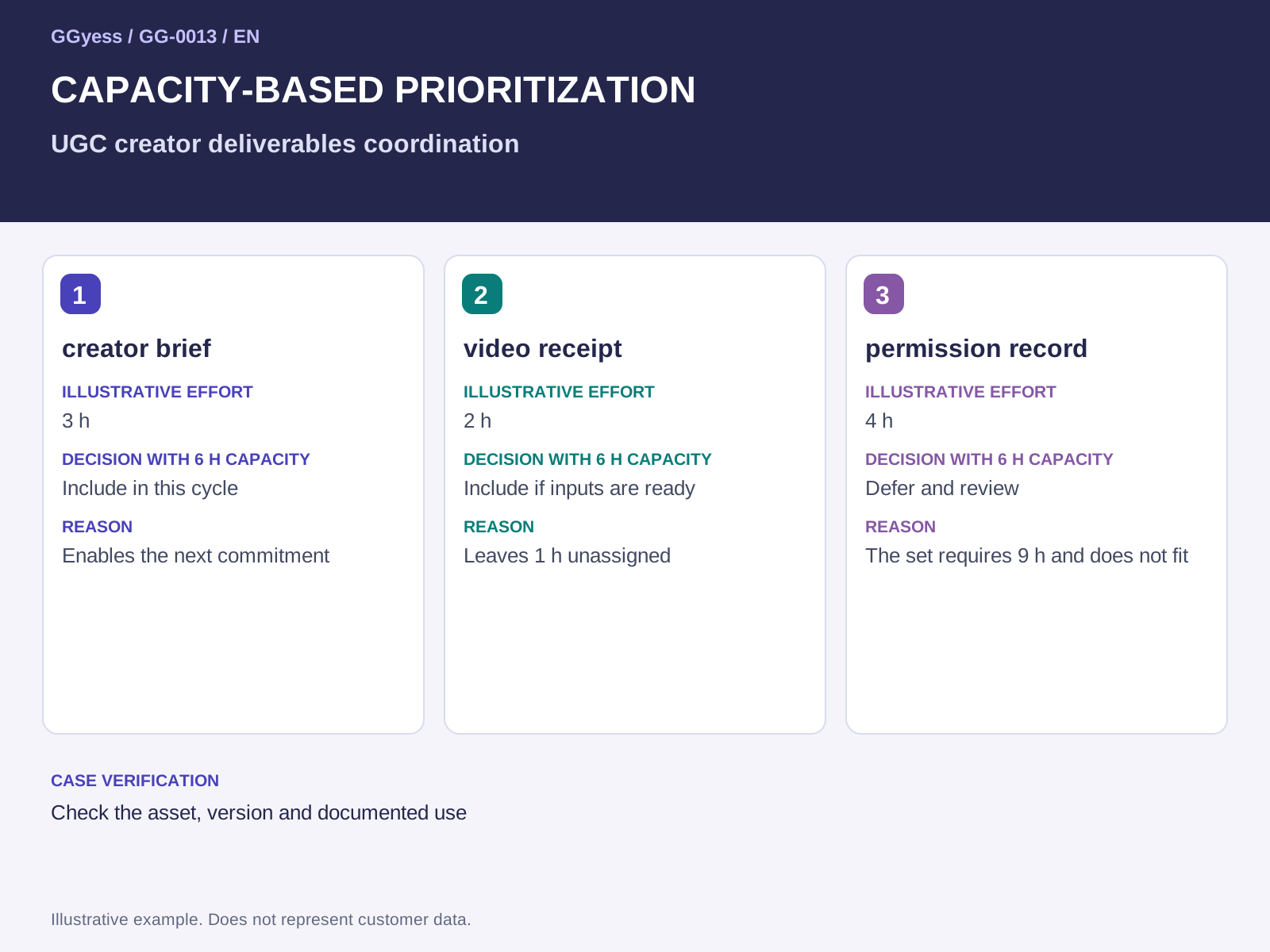
Before ordering requests, confirm who can work and how much time remains after other commitments and review. Theoretical availability differs from usable hours for this assignment. In this illustrative example, the team has 6 hours and three requests require 3, 2 and 4 hours. The total is 9 hours, so the complete set does not fit. That calculation requires a scope reduction, different sequence or renegotiated delivery. Assigning all three as urgent merely transfers the unresolved gap to the executor. Capacity planning becomes useful when the plan names the work that will wait.
Worked example
Three fictional creators deliver short videos about one product. The brief requests a specific demonstration while the register retains each asset's authorized uses. Receiving a file alone resolves neither its acceptance nor its permission status.
The example involves Mateo, Leo and Diego. Names, situations and numbers are illustrative and do not represent customer results. The three units let you test the proposed approach before extending it to other work.
| Unit | Illustrative effort | Decision with 6 h capacity | Reason |
|---|---|---|---|
| creator brief | 3 h | Include in this cycle | Enables the next commitment |
| video receipt | 2 h | Include if inputs are ready | Leaves 1 h unassigned |
| permission record | 4 h | Defer and review | The set requires 9 h and does not fit |
Choose what proceeds and what is deferred
Prioritize the unit that enables the next commitment and has sufficient inputs to proceed. If another task depends on it, respect that relationship before reserving capacity. An optional improvement can wait with an explicit reason and review point. Retain the pending request so its owner understands the condition for reconsideration. In this process, control the risk of accepting an asset without a clear authorized use. The proposed check is to check the asset, version and documented use. The order should support explaining a difficult decision through observable facts, including the value that will remain unrealized because another delivery was selected first.
Revisit the order when evidence changes
The initial order becomes less useful when a dependency, date or availability changes. Define the signal that triggers reconsideration and who can decide. Keep the goal of producing a deliverable and authorized-use register, using creative brief and documented permissions as the reference. When a new urgent request appears, show which work it would displace before accepting it. Record the previous commitment, new decision and affected recipients. This allows adaptation without turning every message into an informal reassignment that nobody reflects in the plan, leaving several apparently prioritized tasks without the capacity needed to complete them.
What to check before closure
The risk to control in this case is accepting an asset without a clear authorized use. A completed label needs a supporting observation. Keep the following beside the decision so the receiver can establish what was checked:
- Input and version used: creative brief and documented permissions.
- Case check: check the asset, version and documented use.
- Outcome under review: a deliverable and authorized-use register.