
This guide focuses on communicating a change, its evidence and the decision the receiver needs. The worked example follows three units: “creator brief”, “video receipt” and “permission record”.
Reference input: creative brief and documented permissions. Expected output: a deliverable and authorized-use register. Before assigning work, confirm the current input version and who will review the result.
Communicate what changed and what it enables
A status update for the UGC creator deliverables coordination should show the change since the last check, its evidence and the next action. “We are still working” does not explain whether someone needs to intervene. For creator brief, identify the new version or fact. For video receipt, explain the effect on the commitment. For permission record, name the action and owner. Avoid copying the project's entire history into every update. Include enough context to interpret the change without reconstructing discussions that no longer affect the current decision. The message should reduce uncertainty for a specific reader.
Support the state with an observation
An on-track state needs evidence of real progress. A blockage needs a missing input and someone able to resolve it. A decision request needs options and a useful response time. Keep creative brief and documented permissions as the shared reference and check that the record makes a deliverable and authorized-use register findable. In this process, avoid accepting an asset without a clear authorized use. The proposed check is to check the asset, version and documented use. Sending a message differs from obtaining a resolution. When the next stage depends on an answer, keep the question open until a usable decision arrives or the commitment is renegotiated with affected people.
Worked example
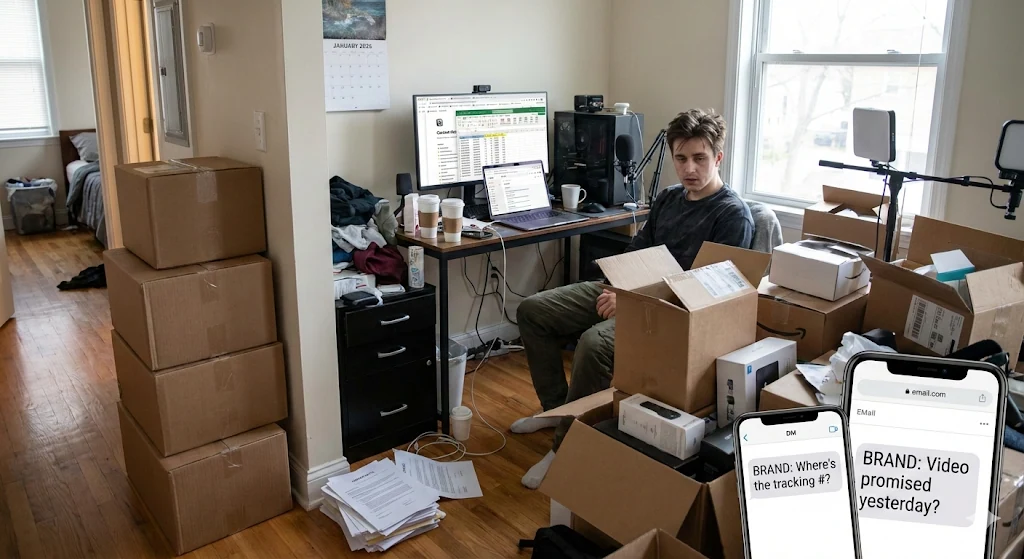
Three fictional creators deliver short videos about one product. The brief requests a specific demonstration while the register retains each asset's authorized uses. Receiving a file alone resolves neither its acceptance nor its permission status.
The example involves Leo, Diego and Alex. Names, situations and numbers are illustrative and do not represent customer results. The three units let you test the proposed approach before extending it to other work.
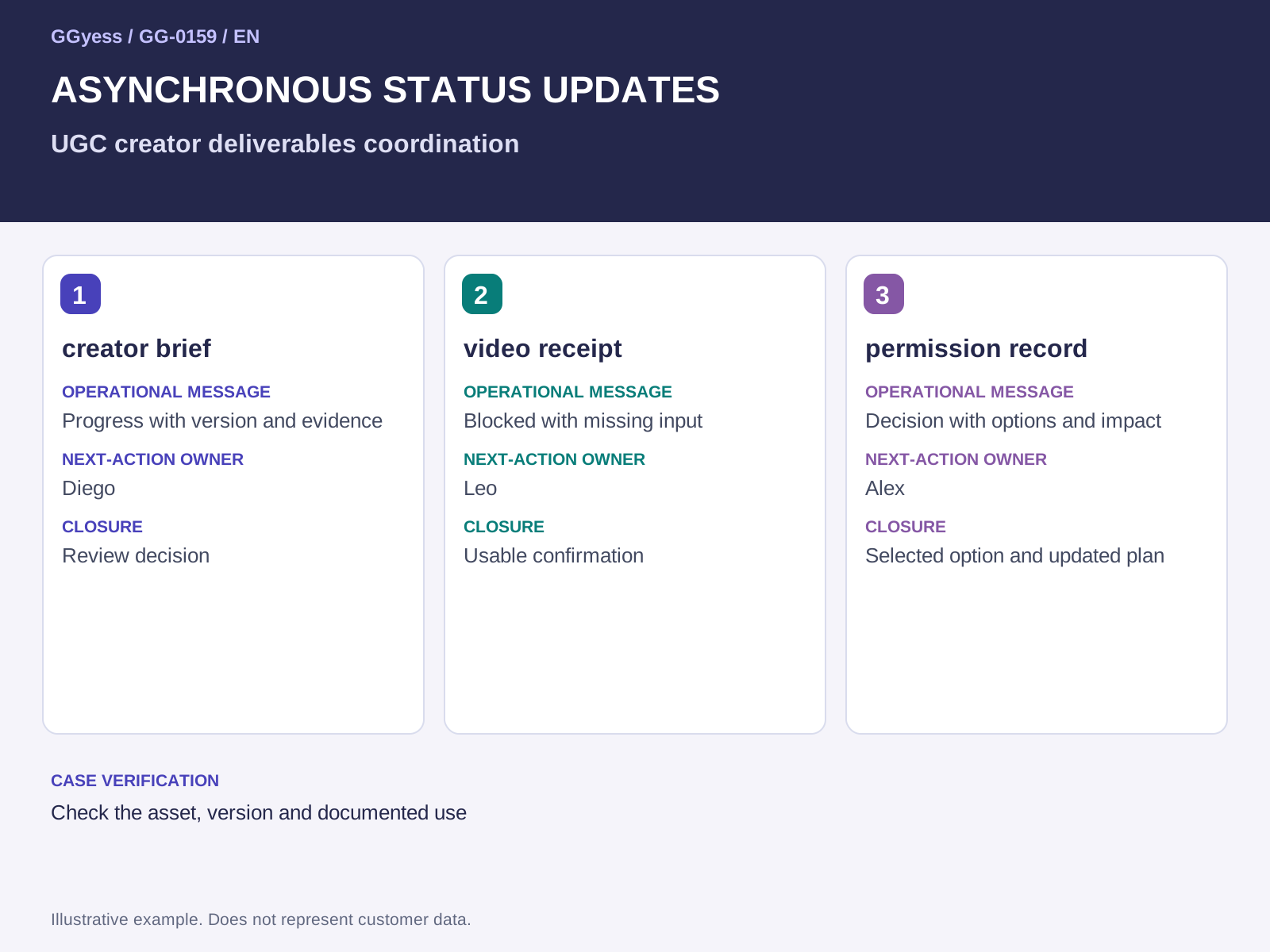
| Situation | Operational message | Next-action owner | Closure |
|---|---|---|---|
| creator brief | Progress with version and evidence | Diego | Review decision |
| video receipt | Blocked with missing input | Leo | Usable confirmation |
| permission record | Decision with options and impact | Alex | Selected option and updated plan |
Use three messages that lead to action
Progress message: “The current version of creator brief is ready for review; evidence is beside the task and the reviewer confirms the next step.” Blocked message: “We cannot close video receipt because the identified input is missing; its owner needs to confirm availability before the next check.” Decision message: “For permission record, two alternatives affect capacity and date differently; the approver needs to select one and record the reason.” These are illustrative examples to adapt. Replace general references with confirmed versions, people and decision times before sending them as operational messages.
Change the channel when the decision requires it
A structured message can be sufficient when options and authority are clear. When incompatible interpretations or dependent decisions appear, bring together the people needed to resolve them. Define the required outcome and record the conclusion beside the work. A meeting without a documented decision recreates the same uncertainty. At closure, update the commitment and notify whoever receives the result. An update's value comes from turning an observed change into coordinated action, rather than its frequency or length. Choose the communication method that helps the necessary decision happen while preserving its practical context.
What to check before closure
The risk to control in this case is accepting an asset without a clear authorized use. A completed label needs a supporting observation. Keep the following beside the decision so the receiver can establish what was checked:
- Input and version used: creative brief and documented permissions.
- Case check: check the asset, version and documented use.
- Outcome under review: a deliverable and authorized-use register.