

This guide focuses on separating an AI-generated proposal from a validated commitment. The worked example follows three units: “critical milestone”, “project exception” and “executive decision”.
Reference input: milestones and decisions requiring intervention. Expected output: an exception report with next action. Before assigning work, confirm the current input version and who will review the result.
Prepare sufficient authorized context
Before requesting AI assistance for the executive project reporting preparation, identify what information can be used and what should stay out of the prompt. The reference input is milestones and decisions requiring intervention. Preserve explicit decisions, constraints and intended outputs, while omitting credentials, unnecessary personal information and material you are not authorized to process. Do not assume the tool knows actual team capacity. Turn unconfirmed dates or owners into questions to resolve. A proposal's usefulness depends on the available context and human review of its assumptions. Information that sounds specific is not automatically evidence that the proposed action was agreed.
Use a prompt that exposes uncertainty
Adaptable prompt: “Help me structure the executive project reporting preparation. The authorized input is milestones and decisions requiring intervention. I need to create an exception report with next action. Consider these units: critical milestone, project exception and executive decision. Return a table with action, input, observable output, dependency, possible owner and unresolved question. Use only supplied facts. Mark unconfirmed information as an assumption. Do not invent dates, permissions, outcomes, product capabilities or team commitments. Identify what a person must validate before execution.” Then add real constraints and authorized material. The instruction supplies a review format; it does not establish that a particular generated response is correct.
Worked example
The fictional report summarizes a closed milestone, an exception and a pending decision. The executive needs the commitment impact and useful intervention time. Detail remains available without displacing the question requiring a decision.
The example involves Mateo, Leo and Diego. Names, situations and numbers are illustrative and do not represent customer results. The three units let you test the proposed approach before extending it to other work.
| Illustrative AI suggestion | Problem | Human review | Subsequent state |
|---|---|---|---|
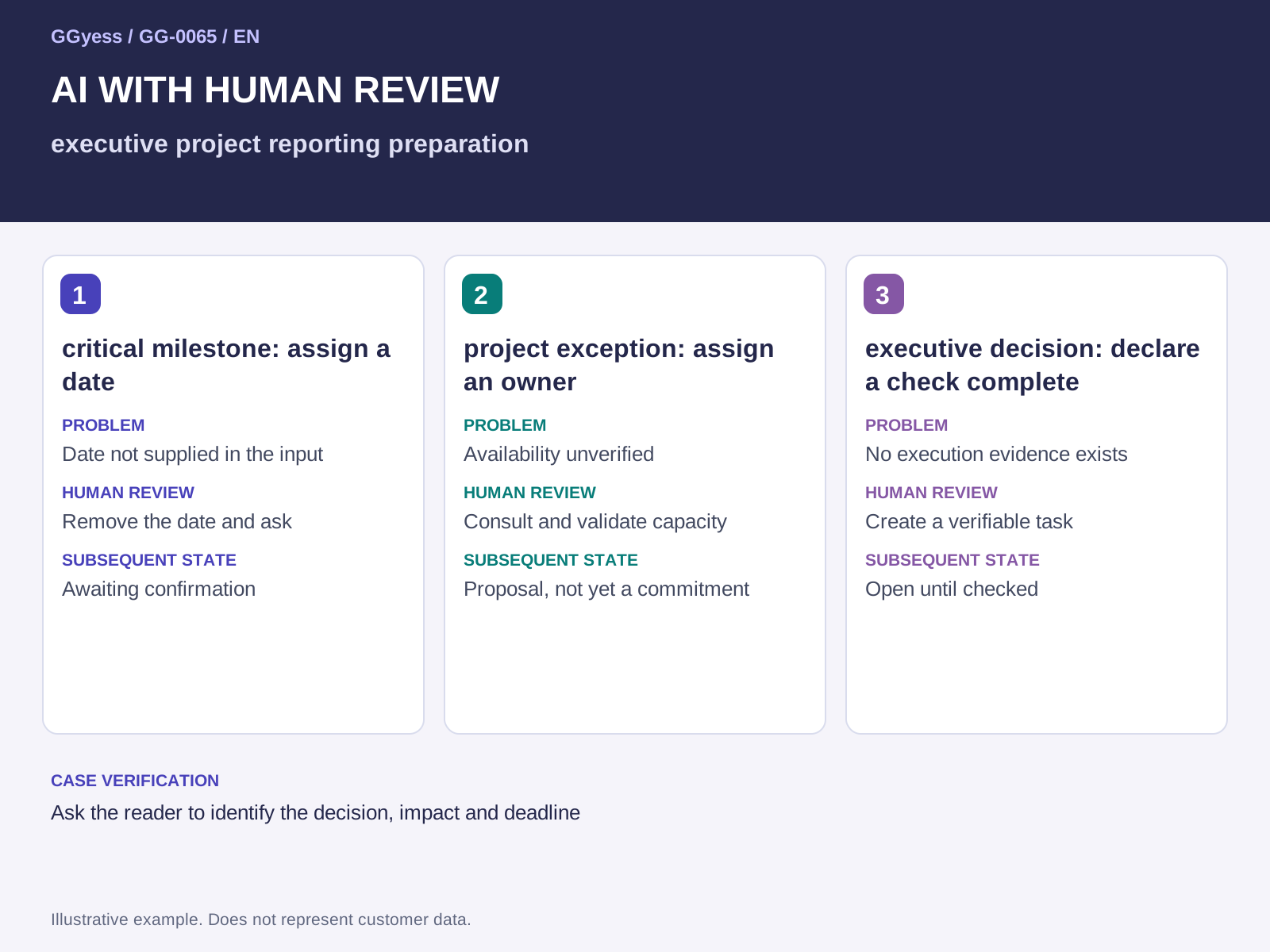
| critical milestone: assign a date | Date not supplied in the input | Remove the date and ask | Awaiting confirmation |
| project exception: assign an owner | Availability unverified | Consult and validate capacity | Proposal, not yet a commitment |
| executive decision: declare a check complete | No execution evidence exists | Create a verifiable task | Open until checked |
Evaluate the output before creating commitments
An illustrative defective response assigns all three units to one person, sets a date without checking availability and declares an unexecuted control complete. Human correction separates proposals from commitments, removes the invented date and turns the control into a verifiable action. In this process, watch the risk of filling the report with activities without explaining the needed decision. The proposed test is to ask the reader to identify the decision, impact and deadline. Require each action to retain its relationship to supporting input. A long task list may look comprehensive while omitting a dependency or introducing work nobody requested. Review is about support and feasibility rather than the response's apparent completeness.
Validate the structure against real work
Before execution, the owner confirms scope, capacity, approvers and sequence. Proposed executors accept assignments or explain the constraint preventing acceptance. Preserve the reviewed version and its differences from the initial suggestion. When using an AI tool, apply the same evidence checks and verify its options before execution. AI can help develop a structure; accepting commitments still requires human judgment. The useful outcome is a plan the team can explain and execute, with visible uncertainties and no conversion of plausible generated text into evidence of agreement or completed work.
What to check before closure
The risk to control in this case is filling the report with activities without explaining the needed decision. A completed label needs a supporting observation. Keep the following beside the decision so the receiver can establish what was checked:
- Input and version used: milestones and decisions requiring intervention.
- Case check: ask the reader to identify the decision, impact and deadline.
- Outcome under review: an exception report with next action.