

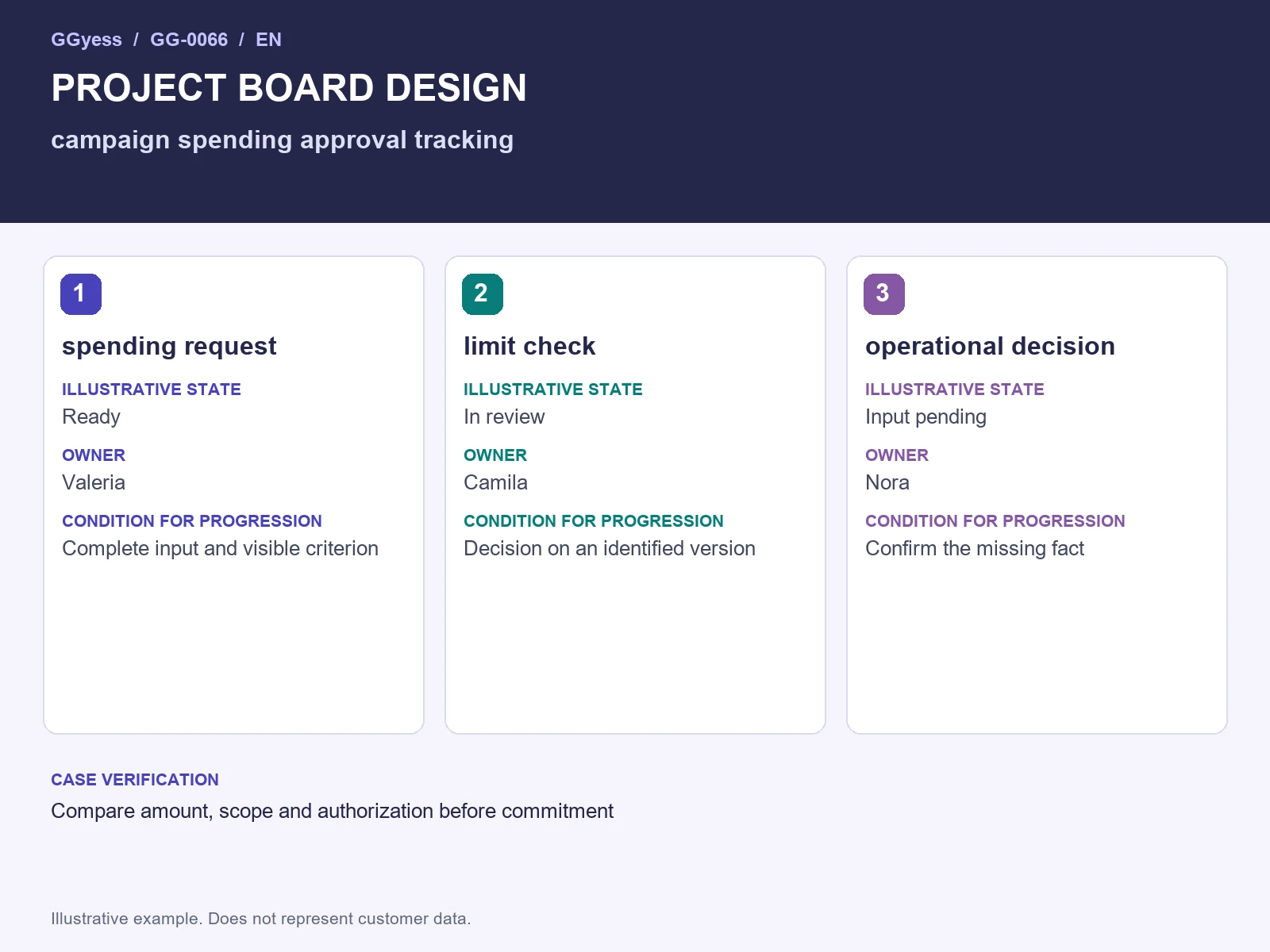
This guide focuses on making each state identify a decision and a next action. The worked example follows three units: “spending request”, “limit check” and “operational decision”.
Reference input: requests and previously agreed limits. Expected output: an operational spend-decision register. Before assigning work, confirm the current input version and who will review the result.
Design states around meaningful decisions
A board for the campaign spending approval tracking needs states that explain what can happen next. Consider “input incomplete,” “ready,” “in progress,” “in review” and “accepted.” A task becomes ready only when the required inputs support execution. Represent a blockage with a field or signal explaining its cause and resolution owner. The board should reveal where work waits and who acts; columns without rules merely change a list's appearance. Begin with a few states and remove those that do not support a distinct decision. Keep the entry and exit conditions visible to everyone using the board.
Add fields that preserve practical context
Each record needs a deliverable, owner, version, next action, agreed date and acceptance criterion. For spending request, include a reference to the current material and approver. For limit check, record its input and the evidence of its output. For operational decision, establish who receives the result. A field that never informs action, review or context recovery may be unnecessary. Keep explanatory detail in the description when a short field cannot express it. The structure should help the team perform work rather than require information that nobody consults after completing an administrative form.
Worked example
The fictional request compares a need with previously agreed operational limits. The record distinguishes request, decision and actual commitment. If scope or amount changes, the owner confirms valid authority before taking on another obligation.
The example involves Valeria, Camila and Nora. Names, situations and numbers are illustrative and do not represent customer results. The three units let you test the proposed approach before extending it to other work.
| Unit | Illustrative state | Owner | Condition for progression |
|---|---|---|---|
| spending request | Ready | Valeria | Complete input and visible criterion |
| limit check | In review | Camila | Decision on an identified version |
| operational decision | Input pending | Nora | Confirm the missing fact |
Test the board with three complete records
Before adopting the board as routine, load the example's three units. Leave one ready for execution, one in review and one waiting for input. Ask a colleague to explain what happens next in each without extra instructions. If they cannot, improve the record or state rule. The input-waiting item should identify the unresolved question and its answer owner. The review item should identify the exact version. The ready item should support an immediate start. This small test exposes design defects before the same confusion spreads through dozens of tasks.
Adapt the resource to the working environment
Treat the structure as a proposed design you can recreate using the options available in your team’s working environment. It does not rely on an integration or claim an existing native template. The intended result is an operational spend-decision register. Watch the risk of committing spending before receiving the required authorization; the operational check is to compare amount, scope and authorization before commitment. If your view lacks a field, preserve the information in a structured description and verify that the team can find it. After the first cycle, change what prevents decisions or execution. A stable board makes waiting patterns easier to compare and improve.
What to check before closure
The risk to control in this case is committing spending before receiving the required authorization. A completed label needs a supporting observation. Keep the following beside the decision so the receiver can establish what was checked:
- Input and version used: requests and previously agreed limits.
- Case check: compare amount, scope and authorization before commitment.
- Outcome under review: an operational spend-decision register.