

This guide focuses on deciding whether the available information supports a start or requires a specific question. The worked example follows three units: “speaker script”, “technical rehearsal” and “access email”.
Reference input: topic and speaker availability. Expected output: a webinar rehearsal and delivery plan. Before assigning work, confirm the current input version and who will review the result.
Define the input before assigning work
For the B2B webinar production, a usable request lets someone start without reconstructing the original conversation. The reference input is topic and speaker availability. Add the intended outcome, the person who can resolve questions, the current material version and the constraint that governs delivery. Separate required facts from optional conveniences. A field is required when its absence prevents execution or verification. Avoid turning intake into an endless questionnaire: request each fact for a specific decision and show a valid completed example. The person supplying the input should understand why it matters to the next stage.
Compare an incomplete request with a usable one
“We need the speaker script as soon as possible” expresses an intention rather than a ready assignment. A usable request identifies the destination, reviewer, current source material and evidence needed for acceptance. If the date is unconfirmed, write “to be agreed” and identify who must resolve it. Inventing a date to fill a field creates a fictional commitment. Before starting production, ask the executor to describe the expected delivery in their own words. If that interpretation differs from the request, repair the input before estimating effort or promising a completion date.
Worked example
The fictional webinar includes one speaker, a demonstration and final questions. Invitation, rehearsal and script need to agree on duration and flow. The speaker confirms availability separately from content approval.
The example involves Sofia, Valeria and Camila. Names, situations and numbers are illustrative and do not represent customer results. The three units let you test the proposed approach before extending it to other work.
| Unit | Required fact | Intake decision | Next action |
|---|---|---|---|
| speaker script | Confirmed version, destination and approver | Accept when complete | Sofia checks the input |
| technical rehearsal | Current reference without a confirmed date | Return a specific question | Valeria confirms the constraint |
| access email | Ambiguous intended outcome | Investigate before committing | Camila obtains an acceptable example |
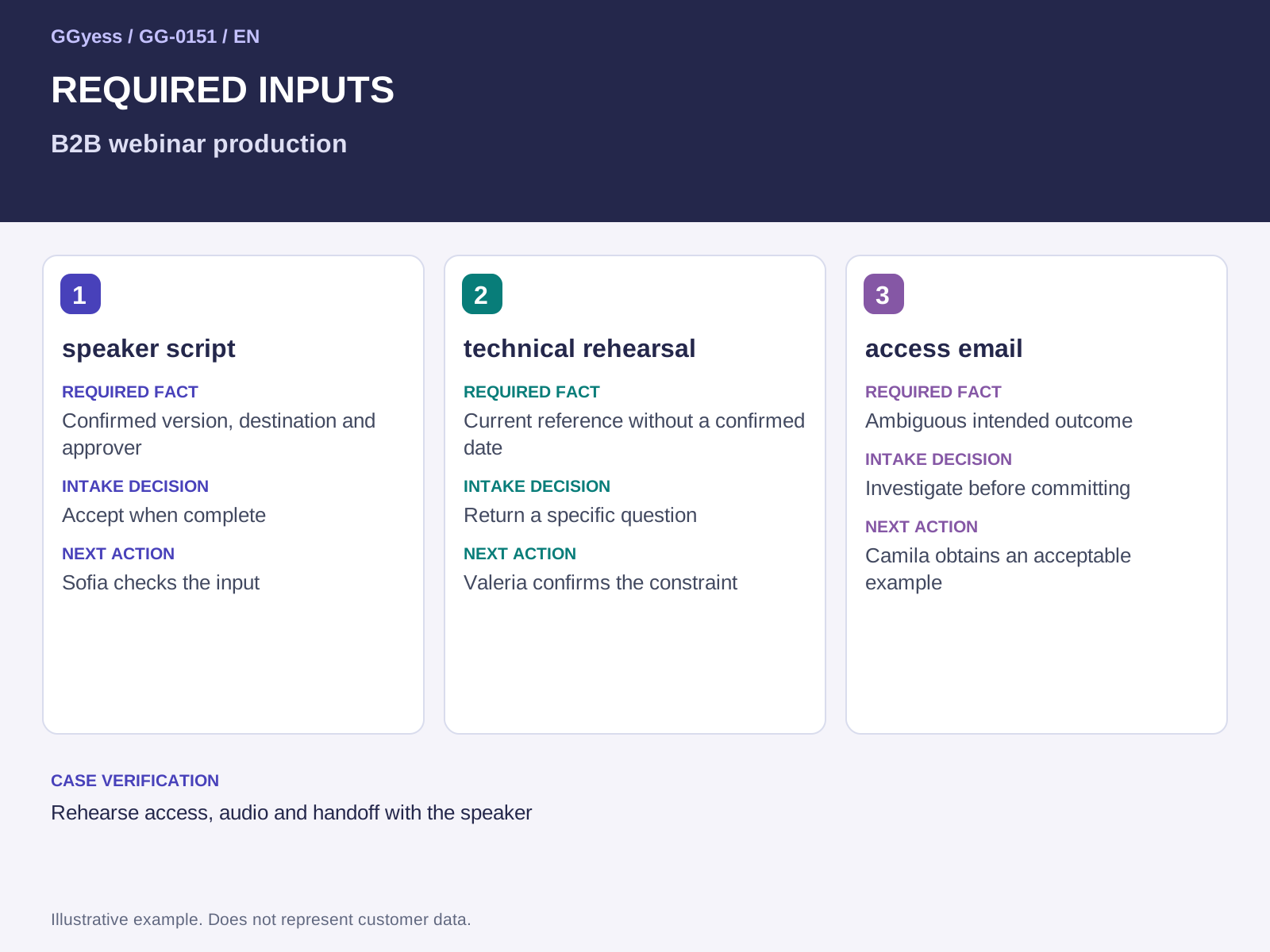
Choose between accepting, returning and investigating
Accept the request when its inputs support producing a webinar rehearsal and delivery plan and checking the result. Return it with a specific question if a critical requirement is missing. “Confirm the approved version” gives the requester a clear action; “more information needed” merely moves the problem. When resolving uncertainty requires work, create a bounded investigation with an owner and an observable output. This keeps exploration distinct from committed execution. Acceptance should make known facts, unresolved questions and the condition for progressing to the next stage visible to everyone affected.
Keep context available during execution
The original request stops helping when changes become scattered across messages. When an input changes, retain the previous decision, new version and reason for the adjustment. Pay particular attention to the risk of discovering live that the speaker cannot share materials. The proposed check is to rehearse access, audio and handoff with the speaker. A notification does not establish that its recipient read every earlier discussion. Include a short change summary and its effect on the task. Production, review and delivery should operate from the same current input while preserving enough history to explain why the assignment took its present form.
What to check before closure
The risk to control in this case is discovering live that the speaker cannot share materials. A completed label needs a supporting observation. Keep the following beside the decision so the receiver can establish what was checked:
- Input and version used: topic and speaker availability.
- Case check: rehearse access, audio and handoff with the speaker.
- Outcome under review: a webinar rehearsal and delivery plan.